


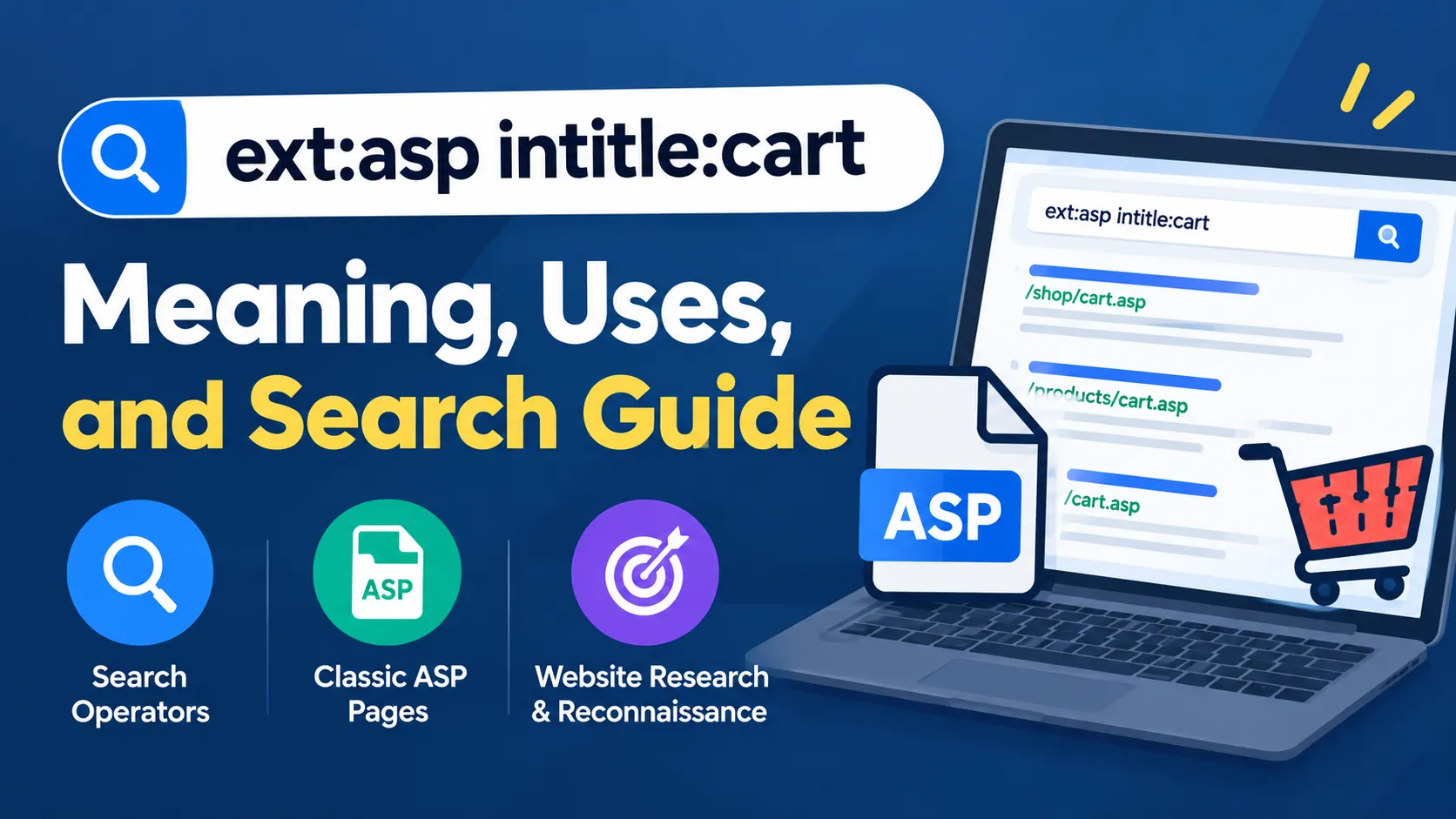
The search query ext:asp intitle:cart is a search-operator combination used to look for web pages associated with the .asp file extension and the word “cart” in their page titles. It is commonly associated with advanced search techniques, website research, and search-engine reconnaissance, although its exact behavior depends on the search engine being used.
Understanding this query requires knowing how search operators work, what Classic ASP pages are, and why search results do not necessarily reveal whether a website is active, secure, or vulnerable.

What Does ext:asp intitle:cart Mean?
The query combines two search expressions, each intended to narrow the results in a different way.
ext:aspis intended to identify pages or resources associated with the.aspextension.intitle:cartis intended to identify pages whose titles contain the word “cart.”
Together, the expressions are intended to narrow a search toward ASP-related pages that appear to concern shopping carts or cart functionality.
However, there is an important technical distinction. Google officially documents the filetype: operator, rather than ext:, in its Google Search operator documentation. Consequently, ext:asp should not be assumed to work consistently on Google. The intitle: operator is documented in the OWASP Web Security Testing Guide as a way to target terms in page titles.
How Each Search Operator Works
Understanding the individual components makes the query easier to interpret and adapt.
1. Understanding ext:asp
The ext:asp expression is intended to filter search results by an ASP-related file extension. Files ending in .asp are associated with Microsoft Active Server Pages, a server-side web technology used to generate dynamic web pages.
Microsoft’s documentation, Creating Simple ASP Pages, describes an ASP file as a text file that can contain HTML, text, and server-side scripts.
Because ext: is not among Google’s documented general search operators, its behavior should be treated as search-engine-dependent. On Google, filetype:asp is the documented alternative to test when looking for results associated with that extension.
2. Understanding intitle:cart
The intitle: operator is intended to match a term in a page’s title. In this case, intitle:cart focuses the search on pages whose titles contain the word “cart.”
For example, a website might use titles such as:
- Shopping Cart
- Your Cart
- Cart Summary
- Online Shopping Cart
A page with one of these titles could be relevant to the query. However, the result depends on how the search engine indexes and interprets the title, and matching the word does not confirm that the page provides working shopping-cart functionality.
3. How the Two Expressions Work Together
When both expressions are interpreted as intended, they narrow the search along two dimensions: the page’s apparent file type and its title.
The following table summarizes their intended roles.
| Search expression | Intended purpose |
|---|---|
ext:asp | Find results associated with the .asp extension |
intitle:cart | Match the word “cart” in a page title |
ext:asp intitle:cart | Combine the two search criteria |
filetype:asp intitle:cart | Test Google’s documented file-type operator alongside the title filter |
The last expression is the more appropriate starting point for testing this search on Google. Even then, the results may be incomplete or contain pages that do not meet every expectation.
Also Read: NippyBox: What It Was, What Happened, and Whether It Is Safe in 2026
What Is the Purpose of ext:asp intitle:cart?
The query can be understood as an advanced search technique for narrowing results to a particular type of web page. Its usefulness depends on the research objective and the search engine’s support for the operators.
Website Research and Technical SEO
Website owners and SEO professionals can use search operators to investigate how their sites appear in search results. A targeted query may help identify indexed legacy pages, old shopping-cart URLs, or pages that deserve further review.
For example, an administrator investigating an older website might check whether ASP-based pages remain visible in the search index. Such a check can provide useful clues about the site’s publicly discoverable pages, although it is not a complete inventory.
Google explains that search operators have indexing and retrieval limitations. For website owners who need reliable information about an individual URL, its URL Inspection tool in Google Search Console is more appropriate than relying exclusively on search results.
Security Audits and Search-Engine Reconnaissance
Security professionals also use advanced search operators to discover publicly indexed information about websites they are authorized to assess. This technique is commonly called Google dorking or search-engine reconnaissance.
The OWASP Web Security Testing Guide explains that search engines can expose information about web applications through indexed pages, including development environments, configuration details, and other material that should not be publicly accessible.
In an authorized audit, the ext:asp intitle:cart pattern might serve as an initial clue for examining legacy shopping-related pages. Finding a matching result does not establish a security weakness, and any further investigation should remain within the agreed testing scope.
Understanding Legacy E-Commerce Pages
Some older websites use Classic ASP to support dynamic content and transaction workflows. A search for ASP-related shopping-cart pages may help a site owner identify older application components that need maintenance or migration.
Nevertheless, the .asp extension alone does not reveal the software version, the application’s architecture, the payment provider, or the security controls in place. Those details must be verified independently.

How to Use ext:asp intitle:cart More Effectively
The most useful approach is to treat the query as a starting point rather than a definitive search command.
Step 1: Select the appropriate search engine.
Start with a search engine that supports the operators you intend to use. On Google, test filetype:asp intitle:cart rather than assuming that ext:asp will be interpreted as a recognized operator.
Step 2: Narrow the search to a site you own or are authorized to assess.
The site: operator lets you restrict results to a specified domain. For example, an administrator researching their own website could test:
site:example.com filetype:asp intitle:cart
Replace example.com with your own domain. This example illustrates search syntax; it does not imply that the domain has any matching pages.
Step 3: Review the results carefully.
Check the displayed title, URL, and available snippet before deciding whether a result is relevant. A title may contain the word “cart” even when the page is informational, obsolete, or unrelated to a functioning checkout process.
Step 4: Verify important findings independently.
If the search reveals an old URL on your website, inspect it through your site’s administrative tools, server logs, or an authorized testing environment. Do not treat a search listing as proof that a page is currently accessible or operational.
Step 5: Document anything that requires remediation.
For a site you manage, record the affected URL, its intended purpose, whether it should remain public, and the action needed. Possible actions include updating the page, restricting access, or removing obsolete content from the search index.
Limitations of ext:asp intitle:cart
Advanced search operators are useful, but they have several limitations that matter when interpreting their results.
Operator support varies. Search syntax is not universal. An expression accepted by one search engine may be ignored, interpreted as ordinary text, or handled differently by another.
Search results are incomplete. A page that does not appear in the results may still exist on the website. Google explicitly warns that search operators are subject to indexing and retrieval limits.
Titles can be misleading. The word “cart” in a title does not prove that the page contains an active checkout system. It may refer to an article, a demonstration, or a discontinued feature.
The extension does not prove the technology stack. Although .asp is associated with Active Server Pages, a URL’s extension alone cannot establish how the current application is implemented.
A result does not prove vulnerability. Identifying a public page is not the same as discovering a security flaw. Vulnerability assessments require appropriate technical verification and authorization.
These limitations make the query useful for initial research, but unsuitable as a standalone method for assessing website functionality or security.
Security Considerations for Website Owners
If a search like ext:asp intitle:cart reveals an unexpected page on a website you manage, the priority should be to determine whether the page is supposed to be publicly accessible.
Review whether the page contains confidential information, exposes administrative functionality, or provides access to transaction-related data without appropriate authorization. Sensitive cart information, customer details, and checkout workflows should be protected by server-side access controls rather than relying on the page’s obscurity.
If a page should not be public, restrict access through authentication and authorization controls. Use appropriate indexing directives or removal procedures when necessary, but remember that search-engine exclusion is not a substitute for access control. Google’s developer documentation on making a website available in Search explains the difference between crawling, indexing, and controlling access to content.
A search result should therefore trigger a review, not an assumption that a site has been compromised.
Frequently Asked Questions
1. What does ext:asp intitle:cart mean?
It is a search-query pattern intended to identify ASP-related pages whose titles contain the word “cart.” Its exact behavior depends on the search engine, particularly because Google does not list ext: among its documented general search operators.
2. Is ext:asp an official Google search operator?
Google’s published documentation identifies filetype: as an operator for searching by file type or extension. It does not list ext: as a supported general search operator, so filetype:asp is the documented alternative to test.
3. What does intitle:cart do?
The intitle:cart expression is intended to match pages with “cart” in their titles. It can help narrow results toward shopping-cart-related pages, but it does not guarantee that a matching page contains working cart functionality.
4. Can this query identify vulnerable shopping carts?
No. It may help locate publicly indexed pages that deserve further investigation, but it cannot establish whether a shopping cart is vulnerable. Any security assessment requires authorized testing and independent verification.
5. Can I use ext:asp intitle:cart to audit my own website?
Yes, as an initial research technique. For Google, testing site:yourdomain.com filetype:asp intitle:cart is a more suitable starting point. Search Console and your own server-side records can provide additional evidence when investigating specific URLs.
6. Does a page missing from the search results mean it no longer exists?
No. A page may be absent because it has not been indexed, has been excluded from results, or is not retrieved for that particular query. Verify the URL through authorized website-management tools before drawing conclusions.
Also Read: Research Dossier for Target Company: Complete Guide
