


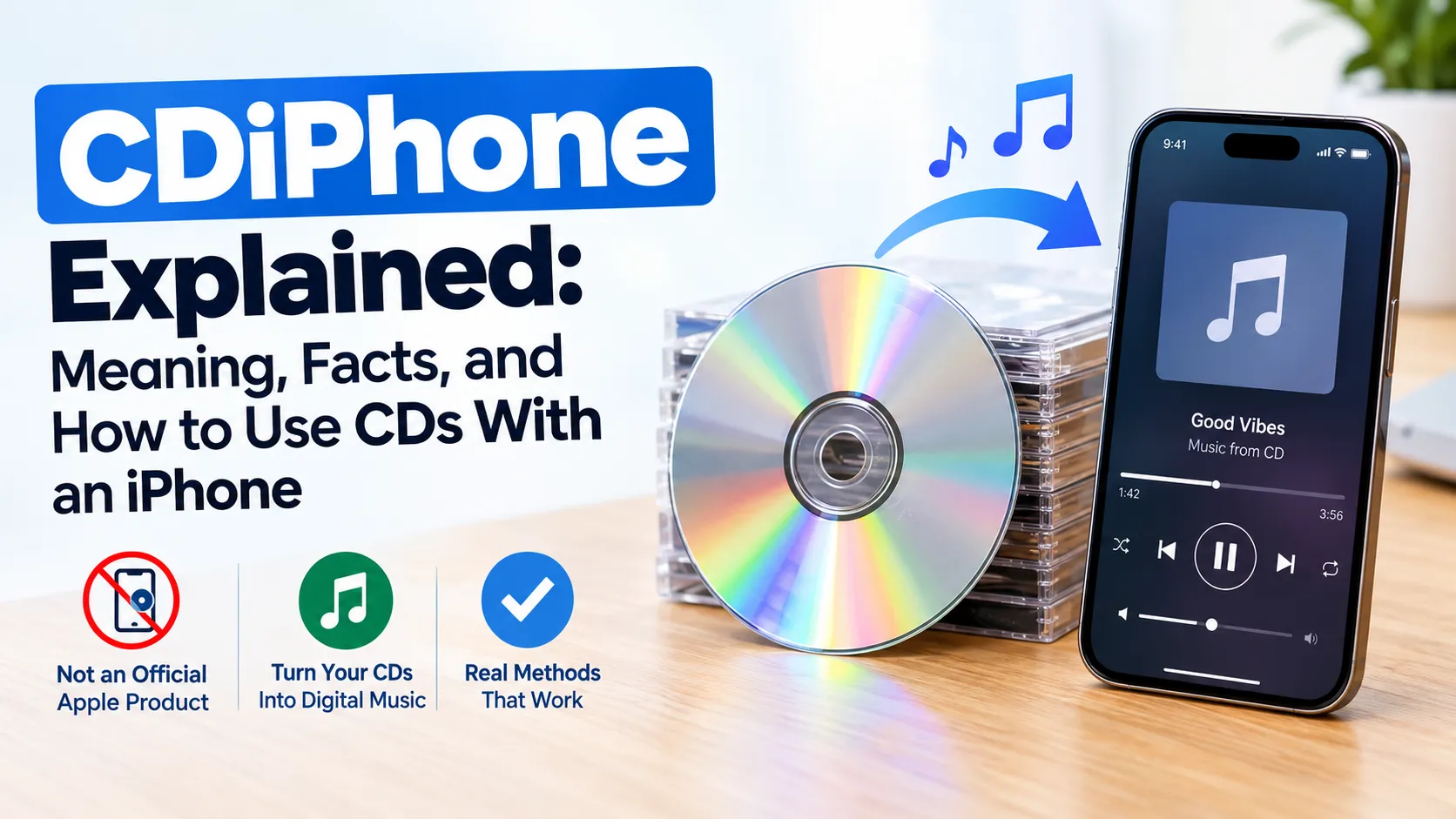
CDiPhone is an informal term that appears online in discussions about compact discs (CDs), Apple iPhones, and transferring music from physical media to smartphones. It is not a confirmed official Apple product or iPhone model, but the term can help introduce a practical question: how can you enjoy music from your old CD collection on a modern iPhone?
The distinction matters because some websites describe CDiPhone as a futuristic smartphone with a built-in CD player, while others use it to discuss digital music conversion. Understanding what is verified, what is hypothetical, and which methods actually work can help you avoid misleading product claims and choose the right way to manage your music.

What Is CDiPhone?
CDiPhone does not have a universally accepted technical definition. The word appears to combine “CD,” meaning compact disc, with “iPhone,” Apple’s smartphone brand, and is used online in discussions about physical music collections and mobile technology.
There are three possible interpretations of the term:
- CD-to-iPhone music transfer: Moving songs from audio CDs into a digital music library and then syncing them to an iPhone.
- A hypothetical device: A conceptual smartphone that combines modern mobile features with a built-in CD player or optical-disc functionality.
- A general technology search term: An informal phrase used by websites and online discussions without a consistent technical meaning.
These interpretations are not equally established. Transferring CD music to an iPhone is a real, achievable process, while the idea of a dedicated CDiPhone device remains unverified.
Is CDiPhone a Real Apple Product?
No verified evidence establishes CDiPhone as an official Apple product, iPhone model, or consumer technology. Apple’s published iPhone announcements and product information use established product names rather than CDiPhone.
Apple introduced the original iPhone on January 9, 2007, describing it as a combination of a mobile phone, an iPod with touchscreen controls, and an internet communications device. The announcement focused on digital media, communication, and internet access rather than physical CD playback.
This distinction is important when evaluating online claims. A concept image, speculative article, or social media post showing an iPhone with a disc slot does not prove that Apple has manufactured or announced such a device.
Before purchasing anything advertised as a CDiPhone, look for a verifiable manufacturer, an official product page, independent reviews, and clear technical specifications. Without that evidence, treat the product claim cautiously.
How Does CDiPhone Relate to CD Music?
The most practical connection between CDiPhone and everyday technology is transferring music from physical CDs to an iPhone. This allows you to listen to albums you already own without carrying a CD player or relying on a streaming service to have every song available.
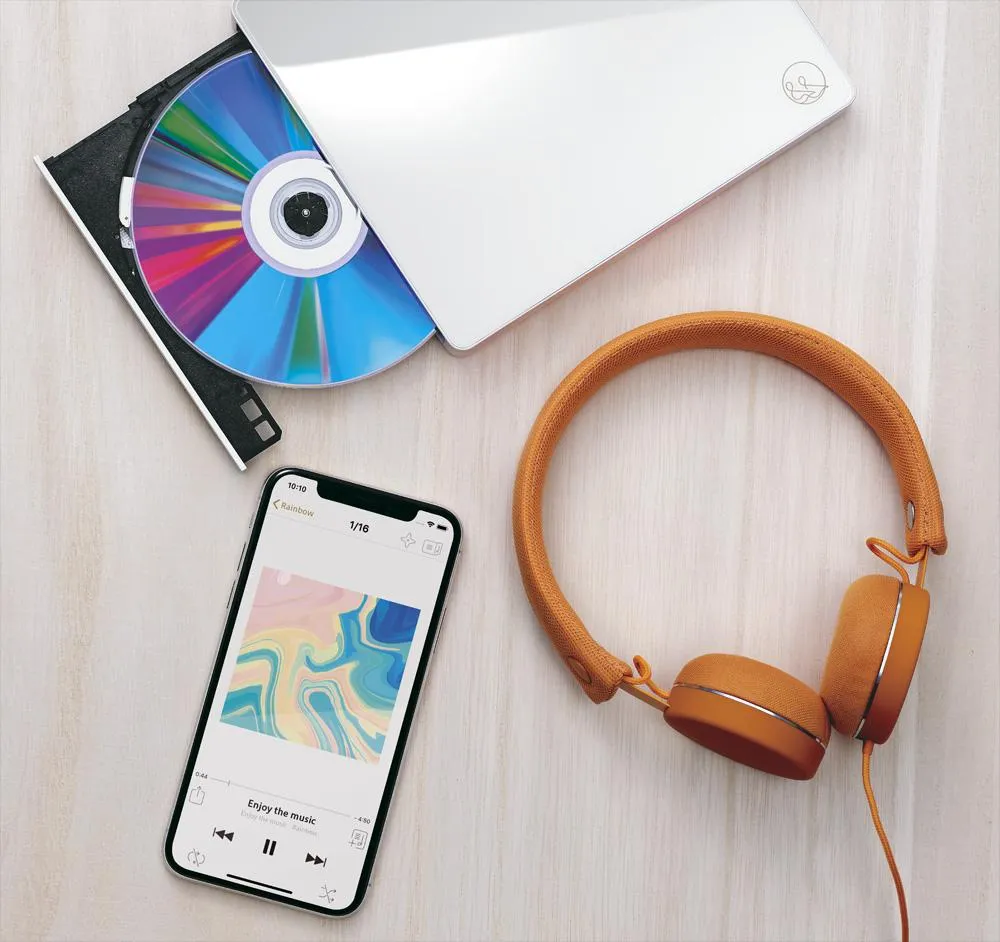
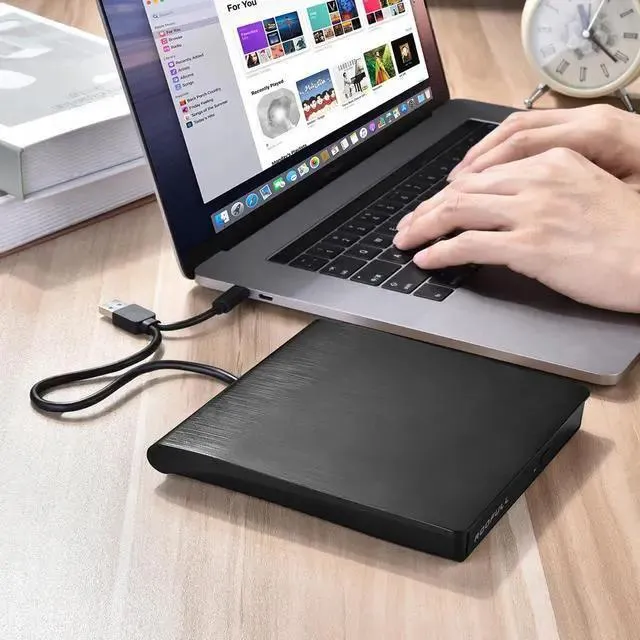
An iPhone does not have a built-in optical CD drive. Instead, you generally use a computer with a CD drive to import the songs into a digital music library, then synchronize that library with your phone.
What You Need to Transfer CD Music
Before starting, prepare the following:
- An audio CD containing the music you want to transfer.
- A Mac or Windows computer.
- A built-in or external CD/DVD drive capable of reading audio CDs.
- A compatible cable for connecting your iPhone, or a supported wireless synchronization setup.
- Apple’s Music app and, on Windows, the relevant Apple device-management software.
The exact process depends on your computer and software version. Apple’s official support documentation explains how to import CD tracks on a Mac and synchronize music with an iPhone from either a Mac or Windows computer.
How to Transfer Music From a CD to an iPhone
You can move music from an audio CD to your iPhone by importing the tracks on a computer first. The process normally involves two stages: converting the CD tracks into digital audio files and transferring those files to your device.
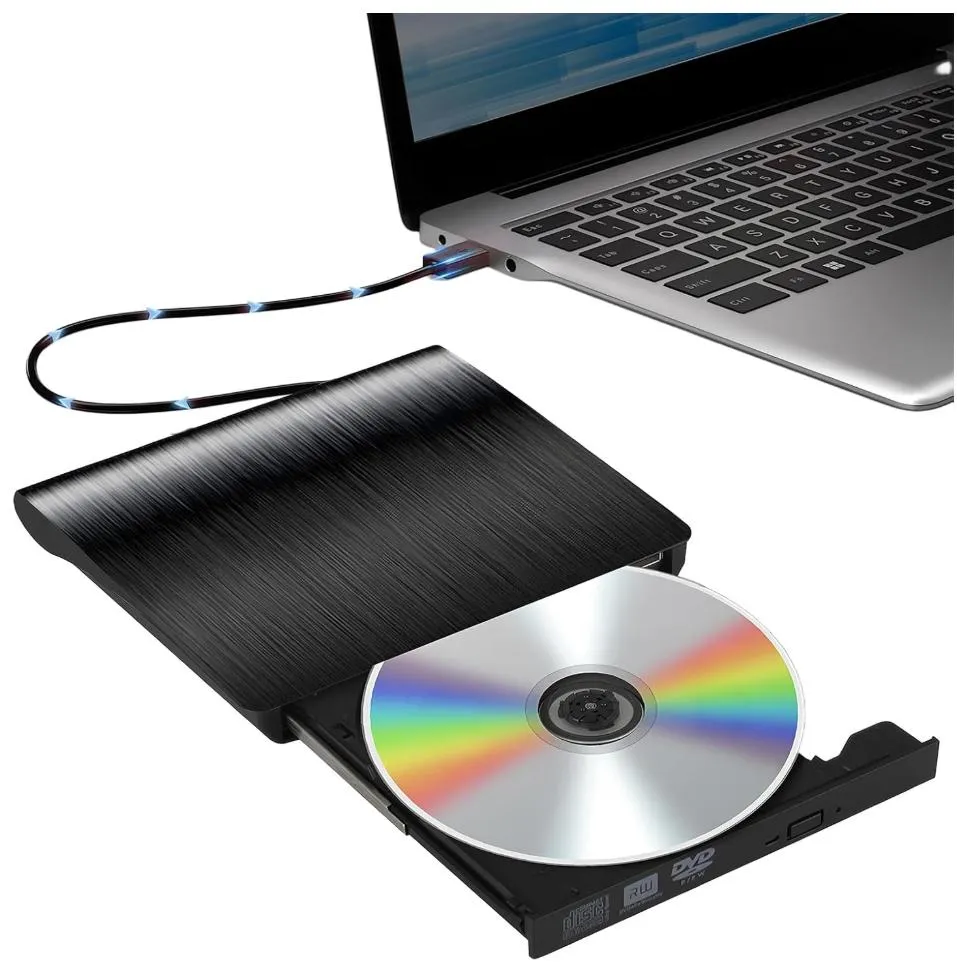
Step 1. Insert the CD into your computer
Connect an external optical drive if your computer does not have one. Insert the audio CD and open the music software that can read it.
Step 2. Import the tracks
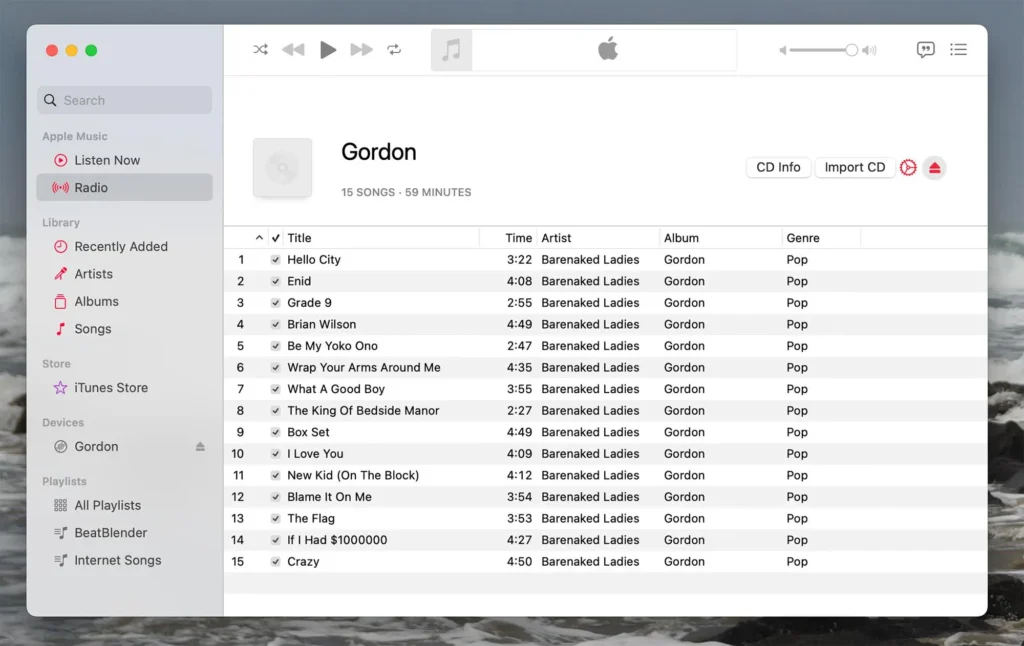
On a Mac, open the Music app and follow its CD-import instructions. You can select the tracks you want and import them into your library. Apple uses AAC as the default import format, although other formats can be selected in the settings.
Step 3. Connect your iPhone
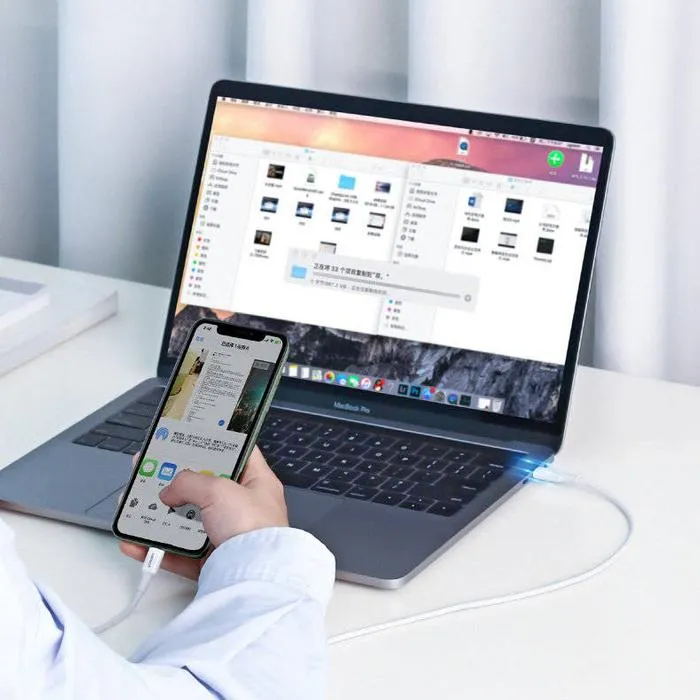
Connect the phone to your Mac or Windows computer. Unlock the iPhone and follow any trust or authorization prompts that appear.
Step 4. Synchronize your music
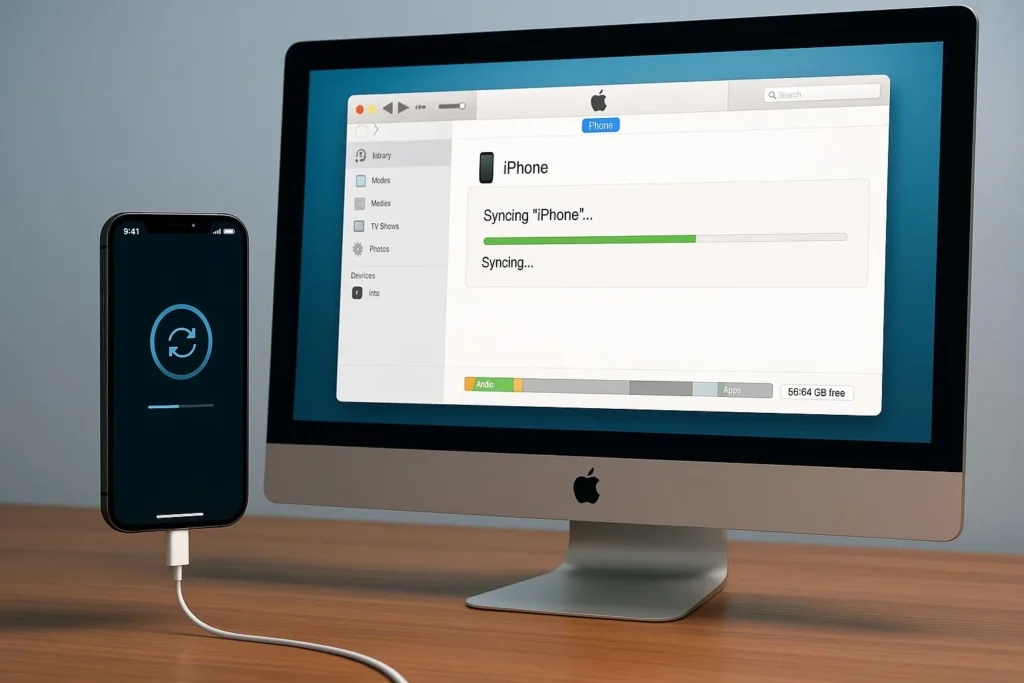
On a Mac, select your iPhone in Finder and open the music synchronization options. On Windows, use the Apple Devices app and the Apple Music app as required. Select the music you want and apply the changes.
Step 5. Check your music library
Once synchronization finishes, check that the selected tracks appear correctly on your iPhone. Track availability and playback can depend on the file format, synchronization method, and music-library settings.
Can You Connect a CD Player Directly to an iPhone?
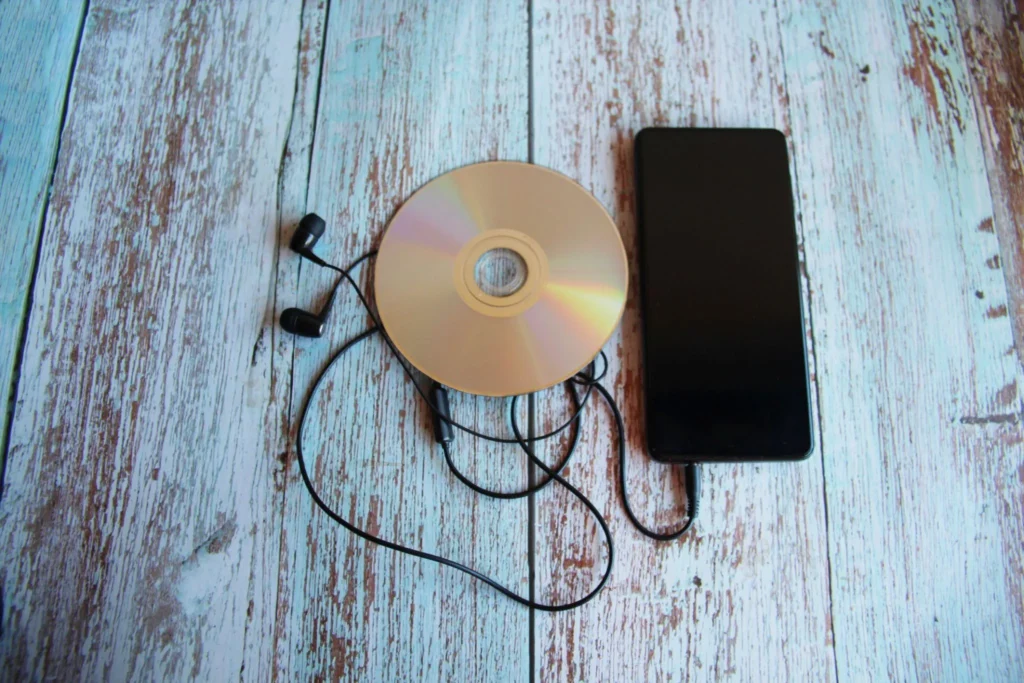
Not in the same straightforward way that you connect ordinary headphones or a supported USB accessory. A conventional CD player is not automatically compatible with an iPhone simply because an adapter or cable fits the phone’s connector.
Some external optical drives require more power or computer software than an iPhone can provide or run. Compatibility depends on the particular drive, connection, power requirements, and available software. For most users, importing the CD on a computer and then synchronizing the music is the more dependable approach.
Also Read: SearchSource Explained: Meaning, Uses, and Key Features
CDiPhone Concept vs. a Real iPhone
The difference between a speculative CD-enabled smartphone and an ordinary iPhone is easiest to understand by comparing their capabilities.
| Feature | CDiPhone concept | Real iPhone |
|---|---|---|
| Official Apple model | Not verified | Official product family |
| Built-in CD drive | Hypothetical | No built-in optical CD drive |
| Digital music playback | Proposed concept feature | Supported through compatible apps and audio files |
| Music from physical CDs | Would require disc-reading hardware | Can be imported through a computer workflow |
| Verified specifications | No confirmed specifications | Vary by actual model |
A hypothetical CDiPhone could imagine combining the tactile appeal of physical media with smartphone convenience. However, claims about its processor, screen, battery, price, storage capacity, or release date should not be treated as factual specifications without reliable product documentation.
Why Are People Interested in CDiPhone?
Interest in the term makes sense because it connects two different eras of music technology. CDs made it possible to own albums in a durable physical format, while smartphones made large digital music libraries portable and convenient.
Preserving Older Music Collections
Many people still own albums, compilations, concert recordings, and other releases on CD. Some recordings may be difficult to find on streaming services, particularly rare editions or music from smaller artists.
Importing those discs creates digital copies that can be organized and played on compatible devices. The original CD can also remain part of a physical collection.
Listening Without Streaming
Music files stored locally can be useful when traveling, in places with unreliable internet access, or when you want to avoid streaming data usage. Once properly transferred, compatible tracks can be played without repeatedly downloading them from an online service.
Local files still use the iPhone’s storage, and playback depends on having compatible files and software. This approach also does not automatically provide the same discovery features, recommendations, or synchronized catalogs as a streaming subscription.
Combining Retro Design With Modern Technology
The hypothetical CDiPhone concept may appeal to people who appreciate physical media and vintage electronics. A smartphone that could play CDs directly would combine two familiar formats in an unusual way.
However, such a design would face practical challenges. Optical drives require physical space and moving parts, while discs are larger than the storage components used in modern phones. A disc mechanism could also increase power consumption, thickness, weight, and mechanical complexity.
These are engineering considerations, not confirmed specifications for a real product.
Benefits and Limitations of the CDiPhone Idea
The main benefit of the CDiPhone concept is its emphasis on combining physical music ownership with the convenience of mobile playback. For people who already have CD collections, the practical version of this idea is achievable today without waiting for a new device.
| Potential benefit | Practical limitation |
|---|---|
| Access to older music | Some CDs may be scratched or damaged |
| Offline listening | Digital files require phone storage |
| Less dependence on streaming | Importing and organizing music takes time |
| Preservation of personal collections | Digital copies require sensible backups |
| Retro-inspired design possibilities | A built-in optical drive would add hardware complexity |
For most listeners, transferring CD music to a conventional iPhone provides the useful part of the concept without the disadvantages of a physical disc drive inside a smartphone.
Is CDiPhone Safe to Search for or Download?
Searching for the term is not inherently dangerous. The risks depend on the website, application, download, or product associated with it.
Because CDiPhone is not an established official Apple product name, be cautious if a website offers a special CDiPhone application, firmware update, configuration profile, or device-management tool without explaining its origin.
Before downloading anything, check the publisher, the software’s purpose, its permissions, and whether the download comes from a trustworthy source. Avoid entering your Apple Account password on an unfamiliar website or installing an unknown configuration profile simply to access a supposed CDiPhone feature.
If you are looking for a way to transfer music, Apple’s own support instructions are a safer starting point than unverified third-party downloads. You do not need a product marketed as CDiPhone to import ordinary audio CDs into a digital library.
Alternatives to CDiPhone
If your goal is to listen to physical CD collections on a phone, several established options are available.
- Computer-based CD importing: A practical choice for building a personal digital music library from existing discs.
- Apple Music: Useful for organizing and playing music on Apple devices. A subscription is not the same thing as owning a physical CD, and catalog availability can vary.
- Other compatible music players: Dedicated portable music players can provide offline playback without requiring a smartphone.
- External CD players: A straightforward option for people who prefer listening to physical discs directly.
- A standard iPhone with local music files: Suitable for users who want phone convenience while keeping their music collection accessible offline.
The best choice depends on whether you value physical media, portability, offline access, or convenience more than the others.
Frequently Asked Questions About CDiPhone
1. What does CDiPhone mean?
CDiPhone is an informal term associated with compact discs and Apple iPhones. It is commonly used online when discussing transferring CD music to an iPhone or imagining a smartphone with CD-playing capabilities.
2. Has Apple released a CDiPhone?
There is no verified evidence that Apple has released a product officially named CDiPhone. Check Apple’s official product announcements and documentation before believing claims about a release date or specifications.
3. Can I play CDs on my iPhone?
An iPhone cannot play a conventional audio CD directly through a built-in disc drive because it has no optical CD drive. You can import the CD’s tracks on a compatible computer and transfer the resulting digital music files to your iPhone.
4. How do I transfer CD songs to an iPhone?
Insert the CD into a compatible computer drive, import its tracks into a music library, and synchronize the selected songs with your iPhone. On a Mac, you can use Music and Finder; on Windows, Apple’s Music and Devices apps support the relevant workflow.
5. Is CDiPhone a real technology or just a concept?
The name does not identify a standardized technology with a single established definition. CD-to-iPhone music transfer is a real process, but the idea of a dedicated CDiPhone smartphone remains hypothetical unless a specific, verifiable product is documented.
6. Do I need to pay for a CDiPhone app?
No dedicated CDiPhone app is required for the standard computer-based transfer process. You can use Apple’s supported music-importing and synchronization tools, although optional software, hardware, or music services may have their own costs.
Also Read: ext:asp intitle:cart: Meaning, Uses, and Search Guide
