


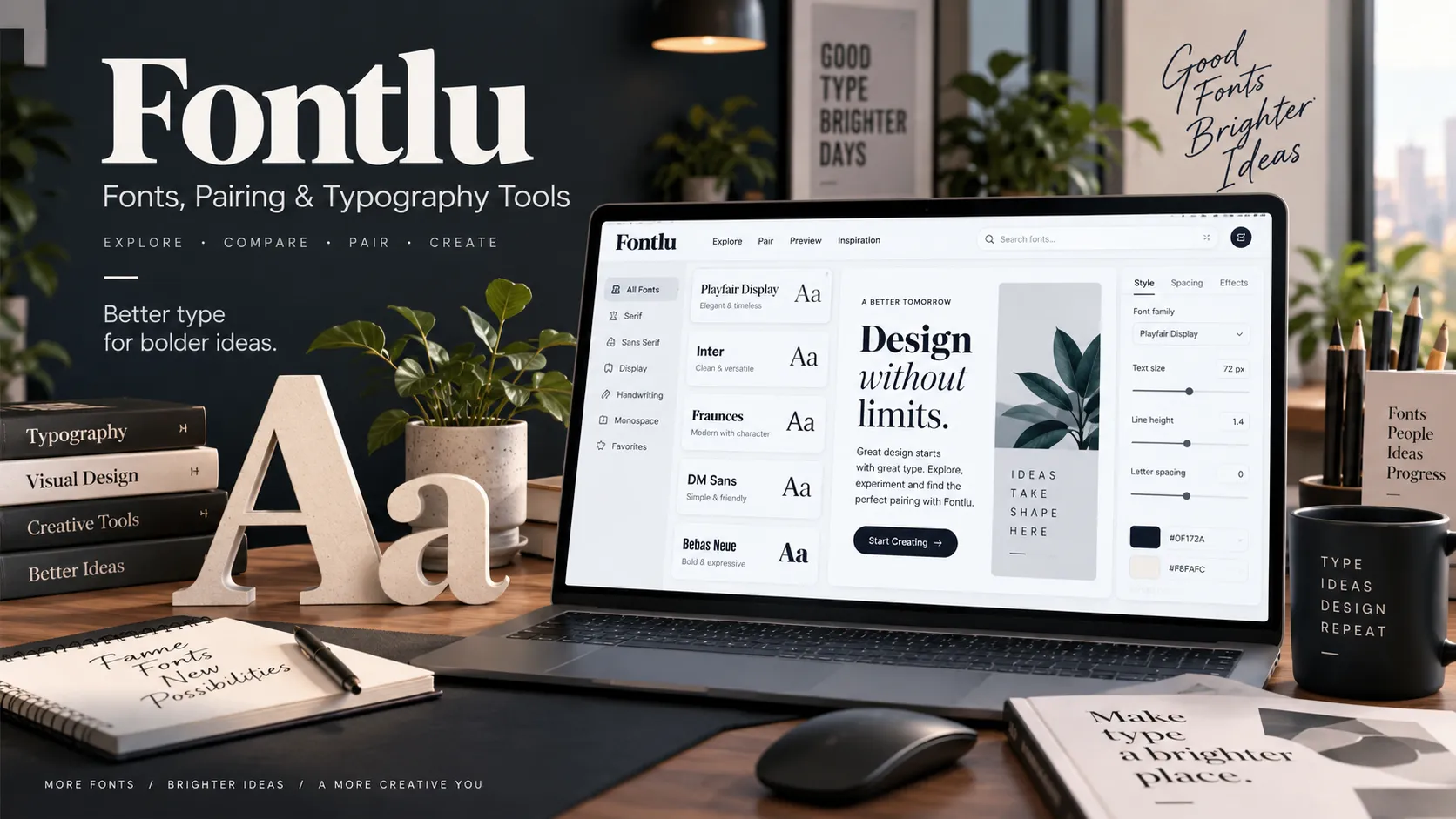
Fontlu is a name currently associated with online typography and font tools, but it does not appear to represent one clearly documented, universally defined platform. Current web evidence shows the name being used for font discovery and preview services, including Fontlu.net and a separate Fontlu typography tool hosted by LangLation.
That distinction matters because many articles online describe Fontlu as an advanced AI-powered font-management ecosystem with cloud storage, collaboration, licensing automation, and design-software integrations. Several of those claims cannot be independently verified from the publicly accessible Fontlu tools themselves.
What Is Fontlu?
The most accurate description of Fontlu in 2026 is an emerging name connected with online typography tools and font resources.
Fontlu.net describes itself as a platform offering free and premium fonts for designers, developers, and content creators. It says users can browse font styles for projects such as logos, websites, presentations, branding, and social media designs.
A separate implementation exists at LangLation under the Fontlu name. This version is a free browser-based typography testing tool built around Google Fonts. It allows users to preview text, change typography settings, compare fonts, test pairings, and export CSS or HTML code.
This means readers should pay attention to which Fontlu website or tool they are using, rather than assuming every feature mentioned online belongs to one product.
Why Is There Confusion Around Fontlu?
Search results for Fontlu contain conflicting descriptions.
Some websites call it a simple font library. Others describe it as a sophisticated cloud font-management system with artificial intelligence, collaboration tools, font uploads, licensing management, and integrations with applications such as Figma or Adobe Creative Cloud.
The problem is that many of these advanced descriptions lack primary-source documentation.
For example, one Fontlu-focused article claims the platform launched in mid-2025 and provides cloud libraries, collaborative management, font customization, and future Figma and Adobe integrations. However, the same article points readers toward another Fontlu domain rather than providing clear official product documentation supporting all those claims.
Other recent examinations of the term have reached a similar conclusion: the available Fontlu services are more limited and fragmented than many promotional-style articles suggest.
For that reason, features should be judged from the actual Fontlu implementation being used.
Fontlu Features That Can Be Verified
Font Previewing
Font previewing is one of the clearest functions associated with Fontlu.
The LangLation implementation allows users to type or edit text and immediately see it displayed using different Google Fonts. Changes happen directly in the browser, making it possible to test real headings, brand names, paragraphs, or interface copy before adding a font to a project.
This can be more useful than choosing a typeface based only on a sample such as “The quick brown fox.”
A designer creating a website, for example, could paste the real homepage headline into Fontlu and check whether it remains readable at several sizes.
Typography Controls
The browser-based Fontlu tool provides controls for several CSS typography properties, including:
- font family
- font size
- font weight
- italic styling
- line height
- letter spacing
- word spacing
- alignment
- text transformation
- decoration
- text color
- background color
These settings update the preview so users can see how typography changes affect readability and appearance.
This makes the tool particularly useful for web designers and developers who need more than a basic font preview.
Font Browsing
Fontlu’s LangLation implementation also includes a Browse section.
Fonts can be explored according to categories including sans serif, serif, display, monospace, and handwriting. Users can also search for specific font families rather than manually scanning the entire collection.
Fontlu.net takes a more traditional font-resource approach, describing itself as a place to browse free and premium fonts.
Font Pairing
Choosing one attractive typeface is relatively easy. Combining two fonts without making a design feel inconsistent is harder.
The LangLation Fontlu tool includes a dedicated Pairs section with 12 curated heading-and-body combinations. These are intended to help users create typographic contrast without randomly combining unrelated fonts.
A common approach might be using a distinctive serif font for headings and a neutral sans serif for body copy.
Font pairing suggestions should still be treated as starting points rather than strict design rules. Brand personality, language support, readability, screen size, and content length all affect whether a combination actually works.
Side-by-Side Font Comparison
Another useful verified feature is font comparison.
Fontlu allows up to eight fonts to be viewed with the same text, according to the tool’s current public description.
This helps eliminate one of the biggest problems in font selection: trying to remember how one font looked after switching to another.
Comparing identical text makes differences in character width, x-height, weight, spacing, and visual personality much easier to notice.
CSS and HTML Export
The LangLation implementation provides CSS and Google Fonts HTML export.
For example, selecting Inter can generate typography CSS containing the chosen font family, font size, weight, line height, and color, alongside the appropriate Google Fonts request.
Google’s official documentation confirms that Google Fonts can be loaded using a stylesheet request and then applied through the CSS font-family property.
This makes Fontlu particularly practical for users designing websites because a visual experiment can be converted into usable code.
Does Fontlu Use Google Fonts?
At least one current Fontlu implementation does.
The LangLation tool states that it provides more than 45 Google Fonts and generates Google Fonts CSS or HTML code for selected typography.
Google Fonts itself is an established open-source font service. Google states that fonts available through Google Fonts are released under open-source licenses and may be used in both commercial and non-commercial projects.
Google’s current CSS API also supports variable fonts, individual weights, italic styles, multiple font families, and ranges on supported font variation axes.
Fontlu should therefore be thought of as an interface for experimenting with a subset of these fonts rather than as the creator or owner of Google Fonts.
Are Fontlu Fonts Free?
The answer depends on which Fontlu resource and which font you are using.
Fonts delivered through the Google Fonts library are open source. Google explicitly permits their use in commercial and non-commercial projects.
Fontlu.net, however, describes its collection as containing both free and premium fonts and advises users to check licensing conditions before professional use.
This distinction is important.
A font being downloadable for free does not automatically mean that every use is permitted. A font license may differentiate between:
- personal projects
- commercial graphics
- logos and branding
- desktop installation
- website embedding
- mobile applications
- digital advertisements
- merchandise
- redistribution
Google Fonts’ own typography documentation explains that font licensing determines what users may do with font files and that different licenses can impose different conditions on installation, web use, embedding, and distribution.
For commercial work, always check the original license rather than relying only on a third-party font site’s description.
Is Fontlu an AI Font Tool?
Claims that Fontlu is an AI-powered platform should be treated cautiously.
Numerous third-party articles associate the name with AI font recommendations, automatic pairing, intelligent categorization, or image-based font recognition. However, these capabilities are not clearly documented across the currently verifiable Fontlu implementations.
The browser-based LangLation Fontlu service documents curated font pairs, comparison tools, previews, and typography controls, but its public page does not describe those functions as an AI font-identification system.
Likewise, publicly available information does not clearly establish a working Fontlu service capable of uploading an image and automatically identifying the exact typeface shown.
Therefore, searches such as “Fontlu AI font identifier” should not be interpreted as proof that such a feature exists.
Also Read: Fascisterne: Meaning, History, and Danish Context

Can Fontlu Create New Fonts?
There is not enough reliable evidence to describe Fontlu as a professional typeface-creation application.
Changing text size, weight, spacing, color, and line height is typography customization, not font creation.
Creating an original typeface involves designing glyphs for letters, numbers, punctuation, accents, symbols, kerning pairs, character sets, and sometimes multiple weights or variable-font axes. Professional font-development software handles those underlying glyph files and font tables.
The verified Fontlu browser tool is better described as a font preview and typography configuration utility.
Users needing complete font design capabilities would require dedicated type-design software rather than a normal browser previewer.
How to Use Fontlu for a Design Project
The most practical Fontlu workflow is straightforward.
Start with your real content rather than placeholder text. A font that looks attractive when displaying a short sample can perform very differently when used for a 700-word article, navigation menu, mobile button, or long product description.
Next, compare several suitable font families.
For body copy, prioritize readability. Decorative display fonts may work well for a poster or headline but become tiring when used for several paragraphs.
Adjust font size and line height together. Increasing one without considering the other can produce either crowded lines or excessive empty space.
Then experiment with letter spacing. Small adjustments may improve large headings, but aggressive spacing can make ordinary paragraphs difficult to read.
If the project uses separate heading and body fonts, test them together rather than evaluating each independently.
Finally, test the typography on the actual website or design before publishing. A controlled preview tool cannot reproduce every device, browser, viewport, background, and layout condition.
Fontlu vs Google Fonts
Fontlu and Google Fonts serve related but different purposes.
| Feature | Fontlu Browser Tool | Google Fonts |
|---|---|---|
| Font preview | Yes | Yes |
| Typography controls | Extensive interactive controls | Font-specific previewing |
| Side-by-side comparison | Up to 8 fonts in current Fontlu tool | Different discovery workflow |
| Curated font pairings | Yes, in the LangLation implementation | Not its main purpose |
| CSS integration | Yes | Yes |
| Font source | Uses selected Google Fonts | Original Google Fonts catalogue |
| Open-source licensing | Applies to Google Fonts used | Yes |
| Official Google service | No | Yes |
| Full font catalogue | Limited selection in current Fontlu tool | Much larger catalogue |
Google Fonts remains the more authoritative source when licensing, available styles, language coverage, or official web-font implementation details need to be confirmed. Fontlu’s advantage is its convenient interactive workflow for experimenting with several typography properties in one interface.
Fontlu Benefits
Fontlu can reduce the time needed to test typography visually.
Instead of repeatedly editing CSS, refreshing a webpage, and switching between font catalogues, a browser typography tool allows multiple variables to be changed instantly.
It can be especially useful for:
- web designers
- front-end developers
- bloggers
- graphic designers
- social media creators
- branding teams
- students learning typography
Its comparison and pairing functions can also help beginners understand why certain combinations feel more balanced than others.
Fontlu Limitations
The biggest limitation surrounding Fontlu is not typography itself. It is identity and documentation.
There is no strong evidence that every website discussing Fontlu is referring to the same product. Public descriptions vary significantly, and some third-party articles attribute sophisticated functionality without linking to corresponding official documentation.
The LangLation version currently offers 45+ Google Fonts, which is useful for quick comparison but represents only a small fraction of the wider Google Fonts catalogue.
Font preview tools also cannot replace proper testing for:
- website performance
- accessibility
- multilingual character coverage
- layout shifts
- mobile rendering
- real brand guidelines
- font licensing
- browser compatibility
They should be used as part of the design process rather than as the final approval step.
Is Fontlu Safe to Use?
There is no basis from the sources reviewed to label Fontlu broadly as unsafe, but users should distinguish between different websites using the name.
The LangLation implementation works inside the browser and states that it requires no account or payment for its Fontlu typography tool.
Greater caution is appropriate whenever downloading font files from any third-party website. Users should verify the download source, license, file type, and publisher before installing unfamiliar files.
For Google Fonts, the safest reference point is Google’s official font catalogue and developer documentation.
Also avoid assuming that a “free” font automatically grants commercial rights unless the relevant license clearly allows them.
Who Owns Fontlu?
A definitive owner for a single global Fontlu platform cannot currently be established from the public sources reviewed.
This is another reason not to combine every Fontlu-related article into one company profile.
The identifiable browser-based Fontlu tool is published on LangLation, whose site describes the service as one of its text and language-related tools.
Fontlu.net exists separately as a font resource site. Public information readily available through its indexed pages does not provide enough verified detail to establish a broader corporate history, named founders, funding history, or documented relationship with the LangLation tool.
Claims about a specific 2025 launch date, large development team, partnerships, or commercial growth should therefore be considered unconfirmed unless primary evidence becomes available.
What Fontlu Is Not
Several distinctions can prevent confusion.
Fontlu is not one specific typeface such as Roboto or Inter.
It is not Google Fonts, although one Fontlu implementation uses fonts from Google’s library.
It is not yet well documented enough to be confidently described as a major established font-management software company.
It should also not automatically be described as an AI font generator or image-based font identifier simply because third-party articles use those terms.
The strongest verified use of the name today is in connection with font discovery, previewing, comparison, pairing, and typography experimentation.
FAQ About Fontlu
What is Fontlu used for?
Fontlu is mainly associated with exploring and testing typography. Current implementations allow users to preview fonts, compare styles, adjust typography settings, experiment with font pairings, and, in one version, export CSS and Google Fonts integration code.
Is Fontlu free?
The LangLation Fontlu typography tool states that it is free, requires no login, and provides access to more than 45 Google Fonts. Fontlu.net separately describes both free and premium font resources, so pricing or licensing depends on the particular site and font.
Can Fontlu fonts be used commercially?
Google Fonts accessed through the Fontlu preview tool can be used commercially because Google distributes its font library under open-source licenses. For fonts obtained from other Fontlu-related websites, check the license attached to each typeface before commercial use.
Does Fontlu identify fonts from images?
A verified image-upload font-identification service is not clearly documented by the Fontlu implementations examined. Although some third-party articles associate Fontlu with AI font recognition, that claim should be treated as unconfirmed.
Is Fontlu better than Google Fonts?
They serve different purposes. Google Fonts is the larger official open-source font library and authoritative source for its font files and licensing, while Fontlu’s browser tool provides a convenient interface for comparing fonts, adjusting typography, testing pairings, and generating code.
Do I need to download fonts to use Fontlu?
Not for basic experimentation in the browser-based Fontlu tool. Users can preview text and change typography settings directly online. When implementing a Google Font on a website, the font can be loaded through Google’s stylesheet API rather than manually installing a desktop font file.
The Bottom Line on Fontlu
Fontlu is best understood as an emerging typography name rather than one fully documented software ecosystem. Verified Fontlu implementations focus on useful tasks such as font previewing, comparison, pairing, typography adjustment, font discovery, and web-code generation.
The important caution is that online descriptions of Fontlu often go far beyond the features that can currently be independently confirmed. Designers should verify the exact Fontlu service they are using, check original font licenses before commercial work, and use authoritative sources such as Google Fonts whenever licensing or implementation details matter.
Also Read: CDiPhone: Meaning, Facts, and How CDs Work With iPhone
