


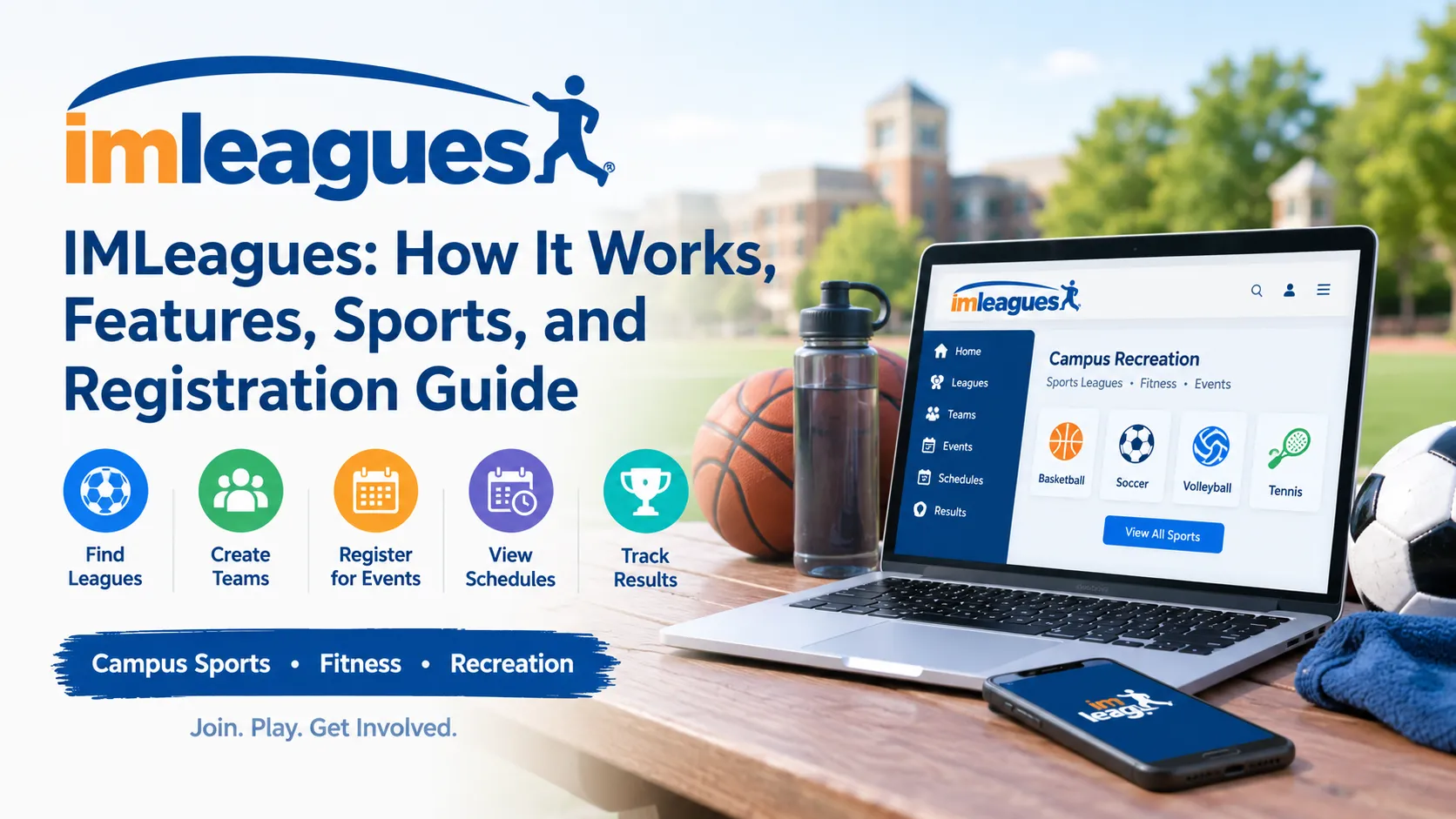
IMLeagues is an online platform that colleges, universities, and recreational organizations use to manage intramural sports, fitness activities, and campus recreation programs. It helps students and other eligible participants find sports leagues, create teams, register for events, view schedules, and track game results through participating institutions.
For students looking to join campus sports, IMLeagues provides a central place to explore recreational opportunities and connect with teammates. However, the sports offered, registration requirements, fees, and available features depend on the college or organization using the platform.

IMLeagues
Campus recreation, intramural sports, and fitness management platform.
Company Information
Wake Forest, NC 27587, USA
What Is IMLeagues?
IMLeagues is a web-based recreation management platform designed to help educational institutions and recreation departments organize sports and fitness activities. It supports both the administrative side of recreation programs and the participant experience, bringing registration, team management, schedules, and other activities into one system.
According to its official About page, the platform began in 2007. Its current website reports more than 2,000 active school and recreation networks and over nine million registered participants, indicating that its services extend beyond traditional college intramural leagues. These figures are reported by IMLeagues itself rather than independently audited statistics.
The platform serves two main audiences. Students and other eligible participants use it to find and join activities, while recreation staff use its management tools to coordinate leagues, facilities, registrations, and related operations.
How Does IMLeagues Work?
IMLeagues connects participants with the recreation programs offered by their school or organization. Once users register with the appropriate network, they can explore available activities and complete supported registration tasks online.
The typical process works as follows.
1. Find your school or organization
Visit the official IMLeagues website and search for your college, university, or participating recreation organization. Your network determines which programs and services are available to you.
2. Create an account
Follow the registration instructions for your network. You may need a school email address, institutional single sign-on, personal details, or an accepted participation waiver. Some networks also offer guest registration.
3. Choose an activity
Browse the available sports, leagues, tournaments, or fitness programs. Check registration dates, participation rules, fees, and any eligibility requirements before choosing.
4. Register and participate
Join an existing team, create a team if permitted, or register as a free agent when that option is available. After registration, use your account to check schedules and other information provided by your recreation department.
The exact process varies by institution. The official IMLeagues registration page explains how to locate a network and create an account.
Key Features of IMLeagues
IMLeagues offers more than a basic sports registration form. Its features support the organization of recreation programs from initial sign-up through ongoing participation.
1. Intramural Sports Registration
Intramural sports are recreational competitions organized within a school, university, or participating organization. They give eligible participants opportunities to play organized sports without necessarily joining a varsity athletics program.
IMLeagues allows participating organizations to publish leagues and registration periods, helping players discover activities and sign up online. Depending on the institution, available activities may include basketball, soccer, volleyball, flag football, softball, and individual sports.
Not every school offers the same activities. The local recreation portal is the best place to confirm which sports are currently accepting registrations.
2. Team Creation and Management
Users may be able to create teams, invite teammates, manage rosters, and communicate with other participants through their team pages.
Team captains often have additional responsibilities, such as ensuring that players meet eligibility requirements, completing registration steps, and reviewing schedules. Some institutions require a minimum roster size or completion of a captain's quiz before a team can enter a league.
These rules are established by the participating recreation department, not necessarily by IMLeagues as a universal policy.
3. Free-Agent Registration
A free agent is a person who wants to participate in a sport but does not already have a team.
When an institution supports free-agent registration, eligible users can sign up individually and explore opportunities to join a team or be placed with other players. This is particularly useful for students who are new to campus or do not have enough friends to create a complete team.
Free-agent registration does not guarantee placement. Availability depends on the sport, the number of teams, and the institution's rules.
4. Game Schedules and Results
IMLeagues can display game schedules, league standings, tournament brackets, and other competition information. These tools help players see when and where their teams are expected to compete.
Depending on the league and the information entered by organizers, users may also find scores, statistics, and updates about their competition. This reduces the need to rely entirely on separate spreadsheets, email messages, or paper schedules.
For example, a student playing intramural volleyball may use the platform to check the next match, review the team's position in the league, and follow playoff information when it becomes available.
5. Fitness Classes and Facility Reservations
IMLeagues has expanded beyond intramural sports into broader recreation management. Its current website describes services for group fitness registration, personal training bookings, facility reservations, equipment rentals, and membership management.
These features can help participants manage several recreation activities through the same account, provided their institution has enabled them.
For example, a university recreation center might use IMLeagues for sports registration and fitness class bookings while also allowing members to reserve courts or manage facility access. The precise selection of services depends on the organization's configuration.
6. Payments and Participation Waivers
Some recreation programs require participants to pay registration fees, purchase memberships, or complete liability waivers before participating. IMLeagues supports payment processing and digital waiver management for participating organizations.
However, an account on IMLeagues does not mean that every activity is free. A school may charge for a league, tournament, membership, or other service, while another may cover the cost through its recreation budget.
Users should check the fee and waiver requirements shown in their specific network before completing registration.
7. Mobile Access and Notifications
IMLeagues provides mobile applications for iOS and Android, according to its official FAQ. Its mobile services support recreation activities such as sports participation, fitness registration, facility check-in, and messaging.
Mobile access can be useful for checking a schedule shortly before a game or reviewing registration information while away from a computer. Notifications and messaging options depend on the institution's setup and the user's communication preferences.

What Sports Can You Find on IMLeagues?
The sports available through IMLeagues depend on the participating institution, its facilities, and its recreation calendar. Common examples include team sports, individual competitions, and recreational tournaments.
Basketball
Recreational leagues and competitions for eligible students and other approved participants. Some schools offer different divisions based on experience or league format.
Soccer
Team competitions that may include different divisions, schedules, and roster requirements.
Volleyball
Indoor or other recreational formats, depending on the facilities and programs offered by the institution.
Flag football and softball
Organized team sports that may run during specific semesters or recreation seasons.
Individual and doubles sports
Activities such as tennis or other racquet sports may be offered as individual registrations, doubles competitions, or scheduled tournaments.
This is a list of common examples, not a guaranteed inventory of sports on every IMLeagues network. To find current offerings, open the website and select your institution's portal.
How to Create an IMLeagues Account
Creating an account is generally straightforward, but users should select the correct school or organization to avoid registration problems.
Step 1: Open the official website
Go to IMLeagues.com. Use the official website rather than an unfamiliar third-party registration page.
Step 2: Select your network
Search for your college, university, or recreation organization. If the institution appears, select it and follow the instructions associated with its account system.
If you cannot find your school, check its campus recreation website to confirm whether it uses IMLeagues.
Step 3: Enter your information
Provide the information requested by the registration page. This may include your name, email address, password, student or membership status, and other details.
Some institutions require a school email address or institutional sign-in. Others may allow approved guests to register.
Step 4: Verify your account
If the system sends an activation email, open it and follow the verification link. If your institution uses single sign-on, follow the authentication instructions instead.
Step 5: Find and register for a sport
After signing in, open the sports section and review the available leagues. Check the registration deadline, division, minimum roster size, fees, and eligibility requirements.
You can then join an existing team, create one if permitted, or register individually when free-agent participation is supported.
How to Join a Team on IMLeagues
There are several ways to join a team, depending on your institution's settings and the stage of registration.
- Accept a team invitation. A captain may invite you to join a roster. Follow the instructions in the invitation and confirm that your registration is complete.
- Request to join a team. If the team accepts member requests, open its page and follow the available join process. The captain may need to approve your request.
- Register as a free agent. Choose this option if you do not have a team and the sport allows individual registration.
- Create your own team. If you have enough players, you may be able to register as captain and invite teammates.
These options are described in institution-specific guidance published through IMLeagues, including the University of Mary Washington's IMLeagues FAQ.
Before assuming you are eligible to play, confirm that you have completed any required membership purchase, waiver, or eligibility check. Being listed on a roster does not necessarily mean every participation requirement has been satisfied.
Is IMLeagues Free to Use?
IMLeagues provides account registration, but the cost of participating in recreation programs depends on the school or organization. Some activities may be free, while others require a fee, membership, or payment for a specific event.
The platform's current FAQ states that its software pricing is based on the school and the services it enables. Institutions are directed to contact the company for a quote. That means it is important to distinguish the cost of the software for an organization from the fees an individual participant may pay.
| Cost or service | What to expect |
|---|---|
| Creating an account | The signup process is available online, subject to network requirements. |
| Joining a sports league | May be free or subject to a school-specific fee. |
| Recreation membership | May be required by the institution. |
| Fitness classes and facilities | Availability and charges depend on the organization. |
| Software for institutions | Pricing depends on the services and configuration selected. |
For an accurate answer about fees, review the selected school's recreation website or contact its recreation department. Do not assume that a price listed by one university applies to all IMLeagues users.
Also Read: Ativy: What It Is, Features, Services, and How It Works
IMLeagues for Colleges and Recreation Departments
IMLeagues is also designed for the staff who operate sports and recreation programs. Its administrative tools can help organizations coordinate registration, manage teams, prepare schedules, assign officials, track results, and oversee related recreation services.
Administrative benefits
The platform can centralize tasks that might otherwise be handled through separate spreadsheets, forms, and email threads. Staff can manage participating teams, communicate updates, and coordinate schedules from a shared system.
For institutions running several leagues at once, this can make it easier to organize divisions and monitor participation. Additional services, such as facility reservations and fitness management, may also reduce the need for separate administrative processes.
Institutional integrations
IMLeagues' official FAQ lists integrations with authentication systems and services, including Shibboleth, CAS, SAML 2.0, OAuth 2.0, Google Workspace, Microsoft Entra, and LDAP.
These integrations can allow participating organizations to connect the platform with their existing sign-in arrangements. The exact integration options available to a school depend on its technical setup and agreement with IMLeagues.
Customization
IMLeagues supports institution-specific portals and branding. This allows a college or recreation organization to present relevant sports, facilities, and registration information to its members rather than directing everyone to an identical general-purpose page.
The platform also offers different combinations of services, so two institutions may use the same underlying system in different ways.

Is IMLeagues Safe and Legitimate?
IMLeagues is an established recreation management service with an official website, published support information, and institution-specific portals. Its official website reports that the platform began in 2007 and currently serves more than 2,000 school and recreation networks. These details support its identity as an operating service, although they are not a substitute for an independent security audit.
As with any online platform, users should still take reasonable precautions when creating an account or submitting personal information.
Privacy and account security
The information requested during registration can include your name, email address, date of birth, institution, and other details required by the participating network. Some services may also involve payments, membership information, or participation waivers.
IMLeagues states in its official FAQ that it uses transport encryption, encrypted backups, and access controls. These are company-reported security practices, not an independent guarantee that data can never be exposed.
To protect your account:
- Use a strong, unique password if you sign in with a password.
- Confirm that you are on the genuine IMLeagues website or your institution's recognized portal.
- Review the privacy policy and participation waiver before agreeing.
- Avoid sharing login details with teammates.
- Contact official support or your institution if you notice suspicious account activity.
If you are concerned about personal information, read the current privacy policy before registering. Also check whether your school has its own privacy, eligibility, or record-retention requirements.
Common problems and troubleshooting
| Problem | What to try |
|---|---|
| Your school does not appear | Check the institution's recreation website or search for its official IMLeagues portal. |
| Your account is not activated | Check your inbox and spam folder for the activation email. |
| Your school email is rejected | Confirm that you selected the correct network and used an accepted email address. |
| You cannot join a team | Check registration dates, roster limits, eligibility, and captain approval requirements. |
| A sport does not appear | Confirm that the institution offers it during the current registration period. |
| Your payment or eligibility is not updated | Check the school's instructions and contact its recreation staff or the official support team. |
For account-related help, the official site lists support@imleagues.com as a support contact. For questions about local sports rules, eligibility, or fees, the recreation department at your institution may be the better point of contact.
Advantages and Limitations of IMLeagues
IMLeagues can simplify recreation management, but its usefulness depends on how the participating organization configures and maintains the system.
| Advantages | Limitations |
|---|---|
| Centralizes sports registration and schedules | Available activities vary by institution |
| Supports team rosters and free-agent registration where enabled | Some leagues have strict eligibility and roster rules |
| Provides standings and competition information | Scores and schedules depend on organizer updates |
| Offers mobile access to supported services | Features differ between participating networks |
| Supports fitness and facility management | Some activities or memberships require payment |
| Provides tools for recreation staff | The platform cannot guarantee that a preferred league has open places |
For students, the main benefit is convenience. For recreation departments, the main benefit is having a shared system for coordinating multiple activities. However, IMLeagues does not replace the rules, decisions, or responsibilities of the organization running the program.
IMLeagues vs. Traditional Sports Registration
Traditional intramural registration may involve paper forms, spreadsheets, email correspondence, or separate websites for different activities. IMLeagues brings many of these tasks together through an online portal.
| Feature | IMLeagues | Traditional manual process |
|---|---|---|
| Registration | Online sign-up for supported activities | Forms or separate registration methods |
| Team management | Digital rosters and invitations | Spreadsheets or email |
| Schedules | Online schedule access | Posted lists or direct messages |
| League information | Centralized pages and standings where supported | Information may be spread across multiple channels |
| Facility and fitness services | Available when enabled | May require separate systems |
| Updates | Digital announcements and supported notifications | Often communicated manually |
The comparison is general rather than a claim that every institution using traditional systems lacks digital tools. Some schools use other recreation management platforms or combine several systems.
Who Should Use IMLeagues?
IMLeagues is useful for several types of users.
College and university students can use it to find intramural sports, join teams, and check game schedules. It is especially helpful for students who want to participate in recreational sports alongside their academic responsibilities.
Students without a team may benefit from free-agent registration where available. This provides a potential way to join a league without organizing an entire team themselves.
Team captains can use the system to invite players, manage rosters, and review competition information.
Recreation staff can use its administrative tools to organize leagues, handle registrations, coordinate schedules, and manage other services offered by their department.
Fitness and recreation members may also benefit when their organization uses IMLeagues for classes, bookings, memberships, or facility check-ins.
People who are not affiliated with a participating organization should check the website's independent-account options and available services. Creating an account alone does not guarantee access to every school's programs.
Frequently Asked Questions About IMLeagues
1. What is IMLeagues used for?
IMLeagues is used to manage intramural sports and other recreation activities. Depending on the participating organization, users can register for leagues, create or join teams, view schedules, check standings, book fitness classes, and reserve facilities.
2. How do I log in to IMLeagues?
Visit the official IMLeagues website and select the sign-in option. Enter your account credentials or follow your institution's single sign-on instructions if that method is supported.
3. Can I use IMLeagues without a team?
Yes, if your institution offers free-agent registration for the sport you want to play. A free agent registers individually and may be able to join a team or receive placement through the local recreation program, depending on availability.
4. Does IMLeagues cost money?
Creating an account does not necessarily require payment, but participation fees depend on the institution and activity. Sports leagues, memberships, fitness classes, or facility services may have separate charges.
5. Does IMLeagues have a mobile app?
Yes. IMLeagues reports that it offers iOS and Android applications. Supported functions include intramural sports, fitness registration, facility check-in, and messaging, although the available features depend on the participating organization.
6. Is IMLeagues only for college students?
No. Colleges and universities are important users, but IMLeagues also serves other recreation organizations and fitness programs. Eligibility for a particular activity depends on the organization offering it.
Also Read: GizmoCrunch (GizmoCrunch.com): A Guide to the Technology Website
