


QUICK ANSWER
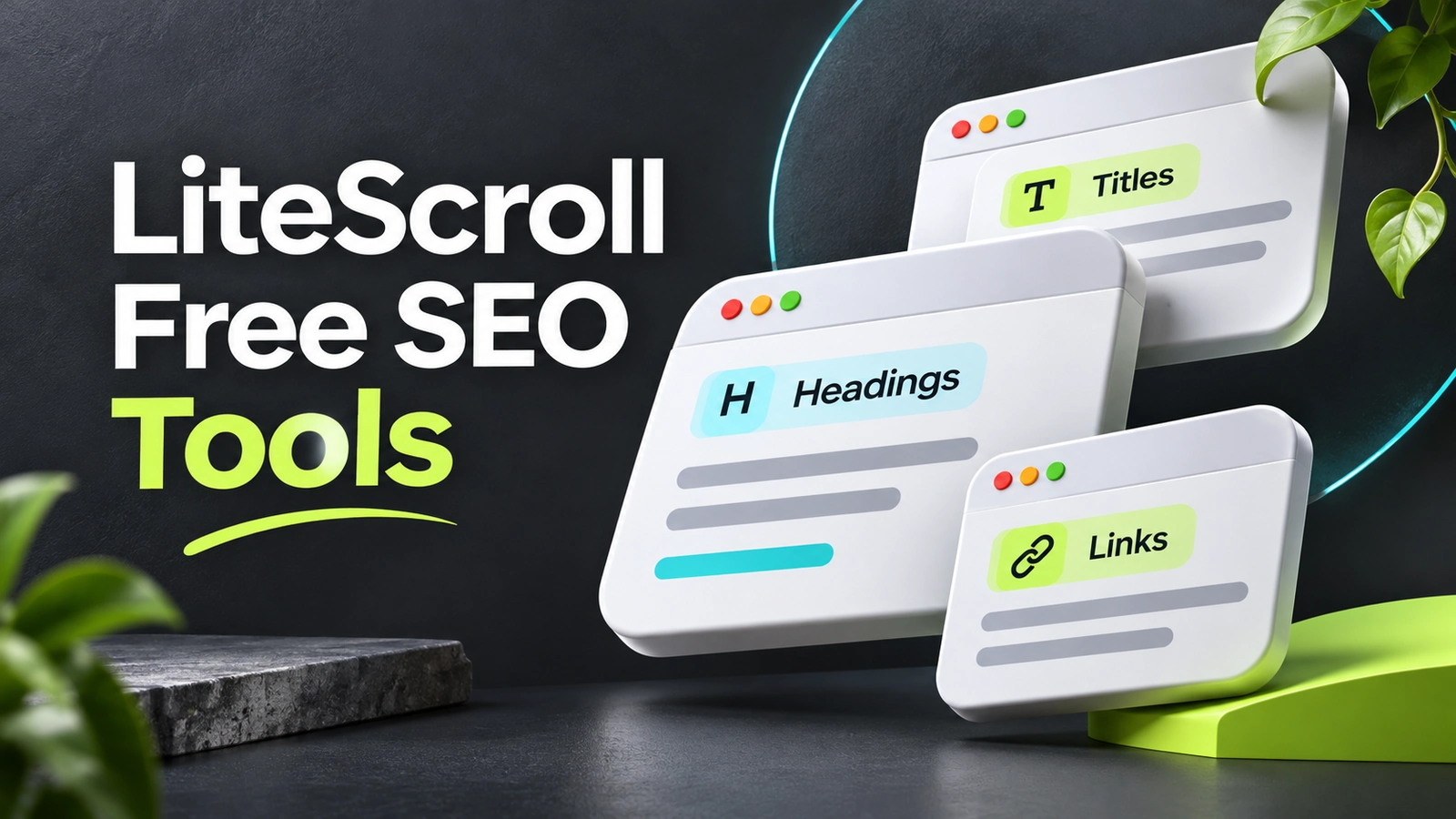
LiteScroll com Free SEO Tools refers to LiteScroll’s website crawler and Chrome SEO Inspector. The provider advertises a free 25-page crawl, while deeper Pro audits use a separate request process.
A small website does not always need a large reporting platform to identify a missing title or an unintended indexing instruction. What it does need is a clear distinction between a useful warning and a change that should be made automatically. That distinction is central to evaluating LiteScroll’s tools.
This guide reviews the provider’s public product, pricing and disclaimer pages as available on 25 November 2026. It explains the advertised scope and a sensible way to read the results. It does not claim that an extension was installed, a benchmark was performed or an audit was run against a live customer website.

LiteScroll com Free SEO Tools: Two Different Jobs
LiteScroll describes two main products: a crawler that examines multiple accessible website pages and an Inspector that checks the page being viewed in Chrome. These are related tasks, but they are not interchangeable. A broad scan can reveal patterns, while a page-level inspection can help examine the details of one example.
The LiteScroll SEO Crawler page advertises a free scan of up to 25 pages. It describes checks involving metadata, headings, canonical URLs, indexability and image information. These are the provider’s stated capabilities, not independently measured detection rates.
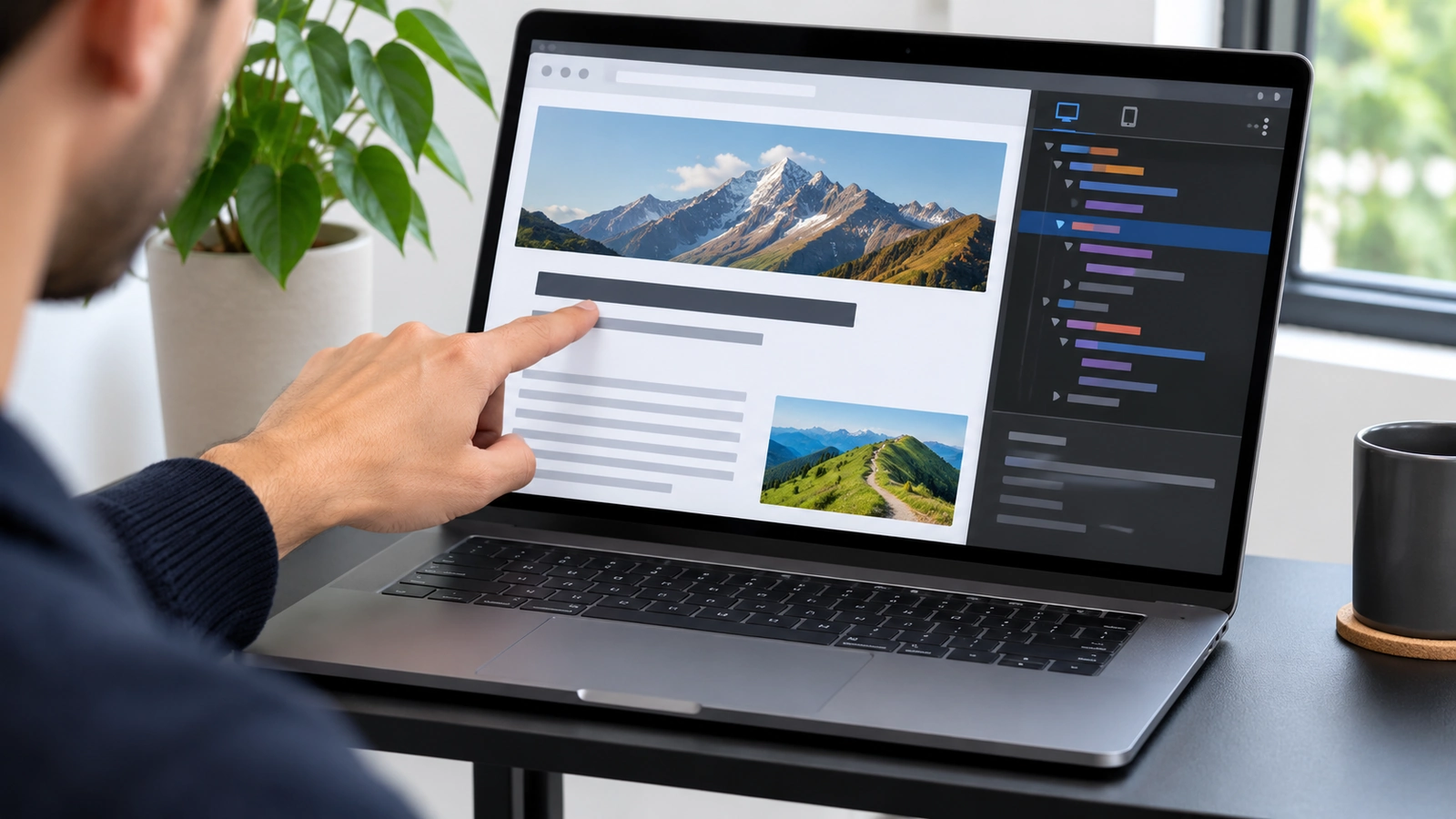
The SEO Inspector page describes current-page checks, heading copying, keyword review and report exports. A browser inspection can be useful when looking closely at a particular page, but the existence of an inspection panel should not be confused with a complete technical audit of the entire website.
| Option | Advertised role | Useful question to ask |
|---|---|---|
| Free SEO Crawler | Scan up to 25 accessible pages | Did the scan include my most important page types? |
| Chrome SEO Inspector | Examine the current page | Does this warning match what the page is intended to do? |
| Report exports | Save findings in supported formats | Can another person identify the URL and issue from the report? |
| Pro SEO Audit request | Request deeper review beyond the free scan | What scope, price and delivery terms are actually agreed? |
What Free Means on the Pricing Page
The official pricing page presents a free starting tier and describes the 25-page crawler alongside the Chrome tool. It also distinguishes a Pro audit request, described as a deeper review with a request flow for up to 100 pages. A request option is not the same thing as a confirmed free 100-page crawl.
For a larger site, page selection matters as much as the numerical allowance. A small sample can reveal a problem shared by a template, but it cannot prove that every page has been examined. Conversely, scanning several nearly identical pages may miss an important page type that uses a different layout or configuration.
Before paying for or commissioning anything beyond the free tools, confirm what is included. The relevant details are the pages covered, the kind of review, the deliverable and any implementation work. This guide does not assign a fixed Pro price because a dependable public fixed-price commitment was not established in the reviewed material.
How to Interpret the Main Checks
A missing title is a different finding from a title that a tool considers too long. The first describes an absent element; the second usually reflects a rule or threshold chosen by the tool. Read the actual text and the page’s purpose before treating both warnings as equally urgent.
The same principle applies to heading structure. A report can point out the headings it detects, but a human still needs to decide whether they organize the content clearly. Adding repeated keywords or changing every heading solely to clear a warning can make an article less useful without solving the underlying problem.
Canonical and indexing signals deserve especially careful review. They can reflect a deliberate choice about which page should be represented or whether a page should appear in search. Do not remove a signal simply because a tool highlights it. First establish the page’s intended role and check the relevant official documentation.
Image information also requires context. An informative photograph and a purely decorative element do not always need the same treatment. The useful question is what a reader needs to understand, rather than whether every image field can be filled with the same repeated target phrase.
An Audit Score Is Not a Google Ranking
A tool’s score is a summary produced by that tool’s checks and weighting. It is not a score issued by Google, and it cannot establish where a page will rank for a query. Two tools can flag different items or assign different priorities without either result being a complete description of search performance.
Google’s SEO Starter Guide explains that SEO helps search engines understand content and users decide whether to visit. It also makes clear that there is no automatic method that guarantees a first-place ranking. That is a better expectation than assuming a perfect audit score guarantees traffic.
The practical goal is to remove genuine obstacles and improve the page for its audience. A clearer title, a functioning internal link or an appropriate indexing setting can be worth reviewing. The value comes from the correct change, not from making a dashboard look uniformly green.
A Practical Workflow for a Small Site
Begin by deciding what you want the review to answer. For a recently changed page, that may be whether the intended title and headings are present. For a site-wide concern, it may be whether several page types share the same missing field. A clear question makes a short scan more useful.
Choose a representative set of accessible pages within the advertised allowance. Include the pages that matter to the question rather than collecting URLs at random. Record which URLs were actually examined, because a result cannot support a conclusion about pages that were outside the scan.
Then open a small number of flagged examples and compare the warning with the page itself. Check whether the pattern belongs to a shared template or to a single article. That distinction helps avoid fixing one page repeatedly when the real cause sits in a shared configuration.
Finally, keep a record of the change and review the result after the page updates. Change one relevant thing at a time where practical. A saved report can support a clear before-and-after discussion, but a difference between two reports should still be checked for changes in crawl coverage or tool settings.

The Provider’s Own Limitations Matter
LiteScroll’s disclaimer acknowledges that results can be incomplete and that access restrictions, JavaScript, caching and browser conditions can affect what is seen. It also rejects guarantees of rankings, traffic or business outcomes. Those limits belong in the evaluation, not hidden beneath the feature list.
A page requiring authentication may not be visible to a normal website crawler. Content assembled through scripts may also be represented differently across tools. The important response is to understand what was actually examined, not to assume that an empty or partial result proves a page has no useful content.
Report exports have a similar boundary. A file is useful when it preserves the URL, finding and context needed for review. Its format alone does not make the analysis complete or correct. Confirm that the exported information is readable before relying on it as the record of a decision.
Who Is Likely to Benefit?
A blogger or small team may find a limited scan useful for triage: identifying issues worth investigating before committing time to a larger review. A person responsible for a complex site may need broader coverage, access to other evidence and technical review beyond the advertised free allowance.
The tool should also match the task. It is different from a service that checks the reputation of an unfamiliar website or an article that explains a gaming platform. Our Tylurs com guide illustrates why a content website should not be mistaken for software, while the Geekzilla.io Gaming guide separates editorial descriptions from assumed interactive products.
Frequently Asked Questions
How many pages does the free crawler advertise?
The reviewed product and pricing pages advertise up to 25 pages per free scan. That is a coverage limit, not proof that every page on a larger website has been reviewed. Check which URLs a particular scan actually includes before drawing site-wide conclusions.
Is the Chrome Inspector a full-site crawler?
The provider describes it as a current-page inspection tool. Its advertised role differs from the multi-page crawler. Using both may support a broader workflow, but this article has not tested their execution or confirmed detection accuracy on a benchmark website.
Is the Pro audit automatically included for free?
The pricing page describes a separate request-based option for deeper review. Confirm acceptance, scope, cost and delivery terms before assuming an audit has been arranged. An enquiry form or advertised maximum page count is not itself an agreed service contract.
Will fixing every warning guarantee better rankings?
No. Warnings need to be interpreted in context, and search performance depends on more than a tool’s checklist. Correct genuine problems and assess the actual page. A higher audit score should not be presented as a promise of a particular Google position.
