


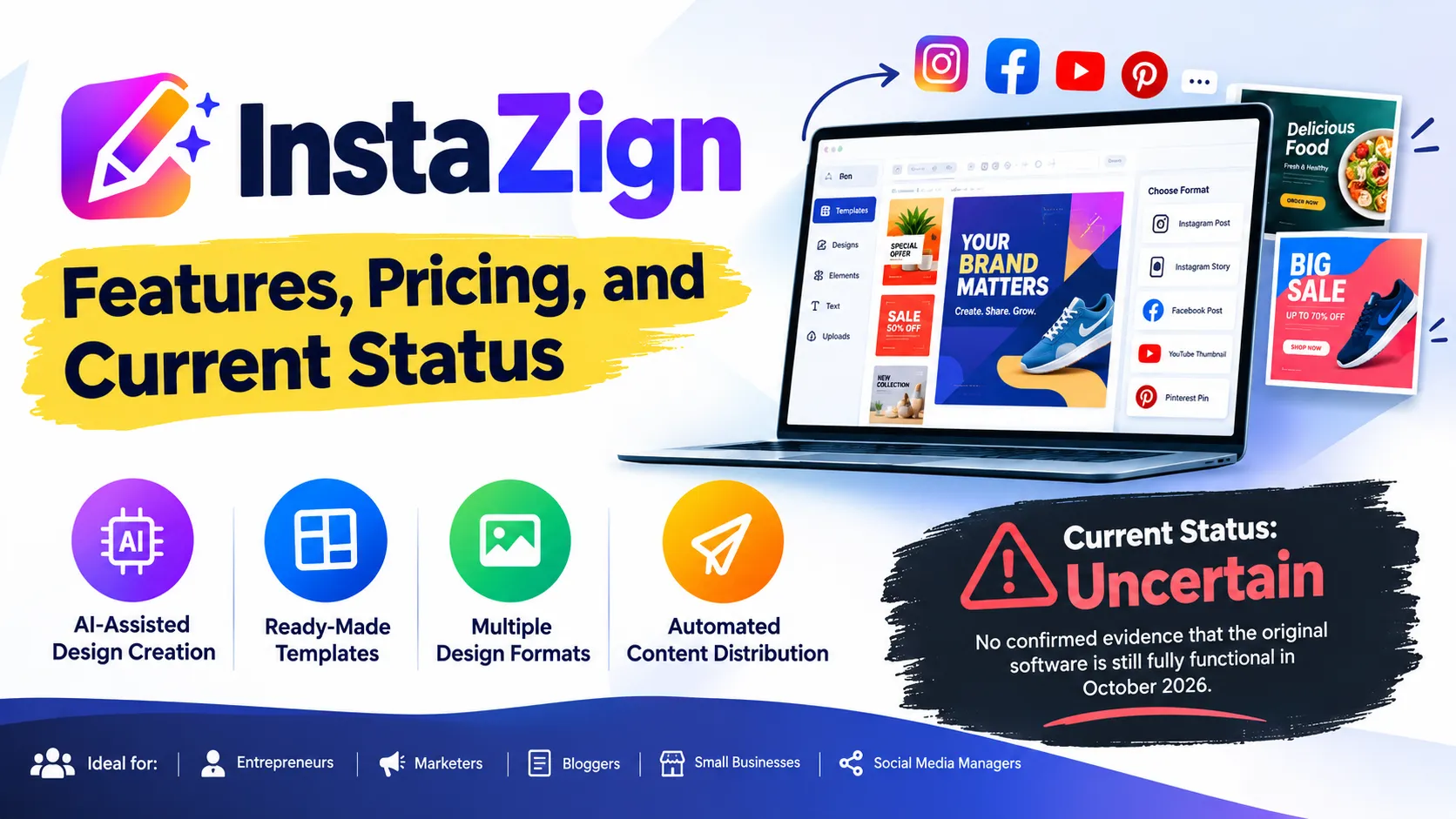
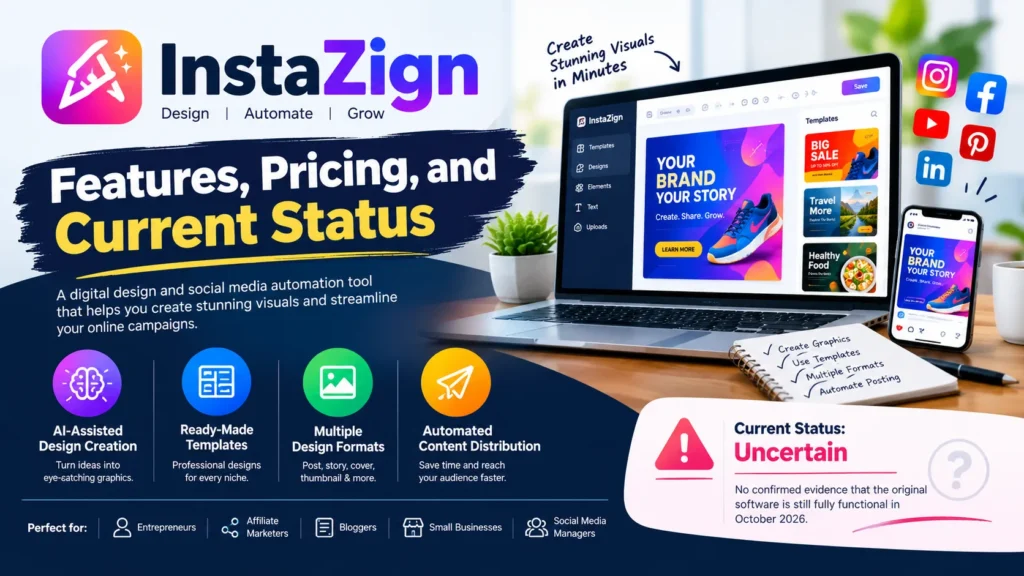
InstaZign is a digital design and social media automation tool introduced in 2019 to help marketers create promotional graphics and prepare visual content for online campaigns. Its advertised features included AI-assisted design creation, ready-made templates, multiple design formats, and automated content distribution. However, its current operating status is uncertain, and available evidence does not confirm that the original software remains fully functional in October 2026.
The software was marketed to entrepreneurs, affiliate marketers, bloggers, small businesses, and social media managers who wanted to produce promotional visuals without spending hours designing each post. Historical product listings provide useful information about its intended purpose and advertised features, but current availability, technical support, and licensing arrangements remain unverified.

What Is InstaZign?
InstaZign was a visual content creation and social media marketing product promoted as a way to simplify graphic design and campaign management. Rather than creating every image individually, users were encouraged to work with templates and automated design tools to produce different versions of promotional material.
The product appeared in the online software marketplace JVZoo under the name InstaZign PRO: The Fastest Design & Social Media Automation Software. JVZoo’s product listing identifies Brett Ingram and Mo Latif as the sellers and records a launch date of August 5, 2019. The listing also includes related products for video creation, design variation, and other visual marketing functions. JVZoo’s product record provides the clearest available commercial information about the software.
InstaZign was positioned primarily as a marketing productivity tool. Its purpose was to reduce the manual work involved in creating graphics for advertising campaigns, social media posts, websites, and other digital marketing materials.
It is important to distinguish its historical marketing claims from independently verified performance. Promotional descriptions advertised AI-powered design capabilities and extensive automation, but there is insufficient current technical documentation to establish exactly how those features worked or whether they still operate.

How Did InstaZign Work?
Historical descriptions suggest that InstaZign followed a template-based content creation workflow. Users could select a design approach, customize visual elements, prepare different versions of the creative, and distribute the resulting material through supported channels.
The original product’s current interface could not be verified, so the following explanation describes its advertised workflow rather than a tested, present-day tutorial.
1. Selecting a Design or Campaign
The first step was to establish the purpose of the visual content. A marketer might need a promotional graphic for a product launch, a blog image, a social media advertisement, or an affiliate marketing campaign.
InstaZign’s promotional materials described ready-made design templates intended to help users get started without advanced graphic design knowledge. Templates can simplify routine production by providing a starting layout for text, images, colors, and other visual elements.
2. Customizing Visual Content
The product was advertised as offering an editing interface that allowed users to modify designs. This type of workflow is particularly useful when marketers need to adapt an existing layout to suit a different offer, audience, or campaign.
For example, an affiliate marketer promoting a software product might need several graphics featuring different headlines and calls to action. A template-based tool can reduce repeated design work, although the quality of the final output still depends on the layout, images, typography, and message.
3. Creating Multiple Design Sizes
One of InstaZign’s advertised selling points was the ability to produce multiple design formats from a single creative. The historical marketing material described converting designs into as many as ten formats or sizes.
This capability could be useful when adapting a campaign for different placements. A square social post, a vertical story graphic, and a horizontal website banner have different proportions, so each may require layout adjustments rather than a simple resize.
The advertised format conversion should not be interpreted as proof that every design automatically fit every platform perfectly. The original software’s current output quality and supported dimensions cannot be independently confirmed.
4. Publishing and Distributing Content
Archived promotional descriptions also presented InstaZign as a social media automation solution, with features for posting or distributing prepared content. The intended benefit was to reduce repetitive publishing tasks and help marketers organize campaigns more efficiently.
However, the precise social networks supported by the final product, the permissions required, and the present availability of any integrations are not verified. Users should not assume that previously advertised publishing features remain compatible with current social media platforms.
Key Features of InstaZign
The following table summarizes the capabilities associated with InstaZign in historical product descriptions.
| Feature | Advertised purpose | Current verification |
|---|---|---|
| AI-assisted design | Help users generate promotional visual content | Current functionality unverified |
| Ready-made templates | Simplify the creation of graphics | Advertised historically |
| Visual editor | Customize text, images, and layouts | Current interface unverified |
| Multiple design sizes | Adapt one design for different placements | Historical descriptions mention up to ten formats |
| Social media publishing | Distribute marketing content through connected channels | Current integrations unverified |
| Marketing automation | Reduce repetitive campaign tasks | Current performance unverified |
| Video and animation products | Extend visual content into GIFs and other formats | Related products appeared in historical listings |
These features explain the product’s original appeal, but they should not be treated as a guaranteed list of functions available to someone purchasing or accessing InstaZign today. The descriptions come from older promotional materials and marketplace records rather than recent independent testing.
AI-Assisted Graphic Design
InstaZign was marketed as an AI-powered design solution. This positioning was intended to appeal to users who wanted to create marketing visuals without relying entirely on professional designers or complex editing software.
The term AI-powered alone does not establish the sophistication of the underlying technology. Available evidence does not confirm which models, algorithms, or image-generation systems the original product used, so it would be inaccurate to compare its technical capabilities directly with modern generative AI platforms.
Ready-Made Templates
Templates were another important part of InstaZign’s proposition. They can help maintain a consistent visual identity across campaigns and reduce the time required to prepare recurring promotional material.
Their usefulness depends on design quality and flexibility. Businesses still need to check brand colors, readability, image licensing, and the accuracy of any text included in a finished graphic.
Automated Content Distribution
The software’s marketing also emphasized reducing the effort required to publish visual content. For teams managing several campaigns, automation can help standardize routine tasks and free up time for planning and analysis.
Nevertheless, automation is not automatically compliant with every platform’s rules. Meta has publicly documented enforcement against unauthorized Instagram automation and services that facilitate fake engagement. Anyone considering a social media automation tool should distinguish permitted publishing integrations from automated likes, follows, comments, or other potentially prohibited activity. Meta’s explanation of its enforcement against automation software provides relevant context.
Who Was InstaZign Designed For?
InstaZign’s advertised functions were aimed at people who needed visual marketing materials regularly but did not necessarily have professional design skills.
Affiliate marketers could use template-based graphics to prepare promotional assets for campaigns. Multiple design versions can be useful for testing different headlines or calls to action, provided that claims in the advertisements remain accurate.
Small business owners could benefit from tools that simplify routine promotional design. Examples include graphics for product announcements, special offers, newsletters, and website promotions.
Bloggers and content creators could use visual content to support articles and social posts. Consistent layouts can make a publishing workflow easier to manage, although effective content still requires original ideas and relevant imagery.
Freelancers and marketing agencies might find automation useful when producing repetitive assets for clients. However, current compatibility, client licensing, account limits, and commercial usage rights would need to be established before adopting InstaZign for professional work.
InstaZign Pricing and Plans
JVZoo’s product record displays a sale price of $49.95 for InstaZign PRO. This is a marketplace-listed price, not a verified current purchasing offer, and it should not be interpreted as confirmation that a new license can still be obtained. The same record contains historical launch information dating to 2019. See the JVZoo listing.
Older promotional coverage also mentioned Lite, VIP, Diamond, Video, and other product versions. These names indicate that InstaZign was marketed through a wider product range, but they do not establish which editions remain available or what their original licenses included.
| Pricing question | Available information |
|---|---|
| Historical listed price | $49.95 for InstaZign PRO on JVZoo |
| Current purchase price | Not verified |
| Subscription or one-time payment | Current billing terms not verified |
| Free trial | No reliable current confirmation |
| Refund policy | Current terms not verified |
| Software updates and support | Current availability not verified |
Before making any payment, prospective customers should verify the seller’s identity, the delivery method, the exact product version, refund terms, and whether the license provides working access to the software. An old marketplace entry is not sufficient evidence that a purchase will result in usable software.
Also Read: GramSnap Guide: iGram World Login, Features, and Safety
Is InstaZign Still Working in 2026?
The current status of InstaZign is the most significant unanswered question. As of October 2026, the available evidence does not establish that the original product is operating as an actively maintained service.
Several findings help explain this uncertainty.
First, the JVZoo product listing remains useful as a historical commercial record, but the linked product page returned a 404 error during research. The additional InstaZign domain link also returned a 404 error. These results do not prove that every existing customer has lost access, but they make it difficult to verify the official purchase and onboarding process.
Second, Tracxn’s InstaZign company profile identifies the company as founded in 2019 and classifies it as deadpooled. Tracxn explains that this label refers to companies that have shut down operations and are no longer active. This is a third-party database classification, not an independently verified announcement explaining when or why InstaZign ceased operating.
Taken together, the missing accessible product pages and the third-party status classification raise substantial questions about continued availability. However, there is insufficient evidence to establish the exact shutdown date, the status of existing customer accounts, or whether any legacy version remains usable.
People who previously purchased InstaZign should consult their original order records and any verified support information associated with the transaction. They should not enter payment details or social media credentials into an unrelated website claiming to provide access to the original product without first verifying its legitimacy.
Is InstaZign Safe to Use?
There is not enough current technical evidence to give InstaZign a definitive security rating. No recent, independent security audit, verified privacy documentation, or reliable confirmation of its present software distribution process was established during this research.
That uncertainty does not, by itself, prove that the software is malicious. It does mean that users should apply additional caution before installing an old application, purchasing a license through an unfamiliar reseller, or connecting a social media account.
Consider the following precautions:
- Verify the source. Avoid installers from unverified download sites and check that any available download is associated with a legitimate vendor.
- Protect account credentials. Do not provide Instagram or other social media passwords to an unverified service. Review the permissions requested by any connection process.
- Check platform compliance. Confirm that automation uses permitted integrations and does not rely on fake engagement or prohibited account activity.
- Review commercial rights. Establish whether fonts, stock images, templates, and generated graphics can be used commercially under the relevant license.
- Confirm support and refunds. Obtain clear evidence that the vendor can provide access, resolve technical problems, and honor applicable refund terms.
The key concern is not a proven security incident involving InstaZign. It is the lack of sufficient current evidence to assess the product’s security, support, and continued reliability with confidence.
Advantages and Limitations of InstaZign
InstaZign’s original proposition addressed a genuine marketing need: producing attractive visual material without requiring users to design everything from scratch.
Its advertised strengths included a template-based workflow, the production of different design sizes, and the potential to reduce repetitive content preparation. These capabilities can be valuable in social media marketing, where businesses often need a steady supply of graphics for different campaigns and channels.
Its limitations are more significant when evaluating the product today. Current functionality is unverified, the official purchase route could not be confirmed, and there is insufficient evidence about recent updates, customer support, privacy practices, or compatibility with current publishing systems.
| Advantages originally promoted | Important limitations |
|---|---|
| Simplified graphic design | Current functionality is unverified |
| Templates for faster production | Present template library is unknown |
| Multiple design formats | Current export quality is unknown |
| Social media publishing automation | Current integrations are unconfirmed |
| Aimed at nontechnical users | Current onboarding and support are uncertain |
| Historical marketplace pricing | Current purchasing and refund terms are unverified |
These distinctions matter because a product that was useful several years ago may no longer be practical if its integrations, installation process, or support infrastructure are unavailable.

Alternatives to Consider
People researching InstaZign may be looking for an easy way to create marketing graphics, generate images, resize posts, or manage social media publishing. The best replacement depends on which of those tasks matters most.
For general graphic design and template-based content, Canva is worth evaluating. For social media scheduling and publishing workflows, Buffer is another option. Users interested in AI-generated images can also evaluate current image-generation tools, checking their export options, usage rights, and pricing before committing.
These services are alternatives to investigate, not direct feature-for-feature equivalents to InstaZign. Their current plan limits, integration support, and commercial terms should be checked on their official websites.
When comparing options, prioritize working software, clear licensing, transparent pricing, dependable support, and platform-compliant publishing over claims of fully automated marketing or guaranteed engagement.
Frequently Asked Questions About InstaZign
1. What is InstaZign used for?
InstaZign was marketed as a graphic design and social media automation tool. Its advertised uses included creating promotional images, adapting designs into multiple formats, and distributing visual content for online marketing campaigns.
2. Who created InstaZign?
The JVZoo marketplace lists Brett Ingram and Mo Latif as the sellers of InstaZign PRO. The available sources do not provide enough independently verified information to establish the full company structure, development team, or ownership history.
3. How much does InstaZign cost?
JVZoo displays a historical marketplace-listed price of $49.95 for InstaZign PRO. A currently purchasable license at that price has not been verified, and current billing and refund terms are unknown.
4. Is InstaZign still available in 2026?
Its availability is uncertain. The original product links encountered errors during research, and Tracxn classifies the company as deadpooled. These findings raise doubts about continued operation, but they do not establish the status of every existing customer account or software installation.
5. Is InstaZign safe?
There is insufficient current independent evidence to establish whether the software is secure. Users should verify the download source, check privacy and licensing terms, avoid providing credentials to unverified services, and confirm the vendor’s legitimacy before making a purchase.
6. What are the best alternatives to InstaZign?
Canva is worth considering for graphic design and templates, while Buffer may suit users seeking social media scheduling and publishing. The right option depends on whether the main requirement is design creation, image generation, resizing, or campaign management.
Also Read: ALOgum: Features, APK Downloads, Safety, and User Guide
