


BrocoFlix is a name used in movie and television discovery, and its appearance beside a film does not automatically mean full playback is available. The BrocoFlix Google Play listing reviewed for this guide describes an informational movie browser and explicitly says it does not host, stream, upload or download films and TV shows. Similar website branding should be assessed separately.
That distinction can save viewers considerable confusion. A catalogue can help you decide what to watch, while another provider supplies the actual programme. This guide looks at the public descriptions behind the name, explains which features are useful for discovery and sets out a practical way to move from an interesting title to a clearly identified viewing option.

BrocoFlix Website and App: Keep the Products Separate
The about page at brocoflix.watch presents the website as an entertainment-discovery resource with categories such as movies, television, genres and release years. That description concerns the site itself. It does not prove a relationship with every BrocoFlix-named app or establish permission to play any particular full-length title.
The BrocoFlix Google Play listing identifies a movie-browsing product, with descriptions, trailers and favourites among its advertised functions. Its explicit no-streaming statement is more informative than assumptions drawn from the name. These are developer claims in a listing, rather than features independently tested by OrbitNews on every device.
Common branding does not establish common ownership. A website, app and social profile can share words while having different operators and purposes. When reviewing any product, note the exact address or app identifier and the developer details. This creates a clearer reference point than referring vaguely to the official BrocoFlix without supporting evidence.
What Movie Discovery Can Do Well
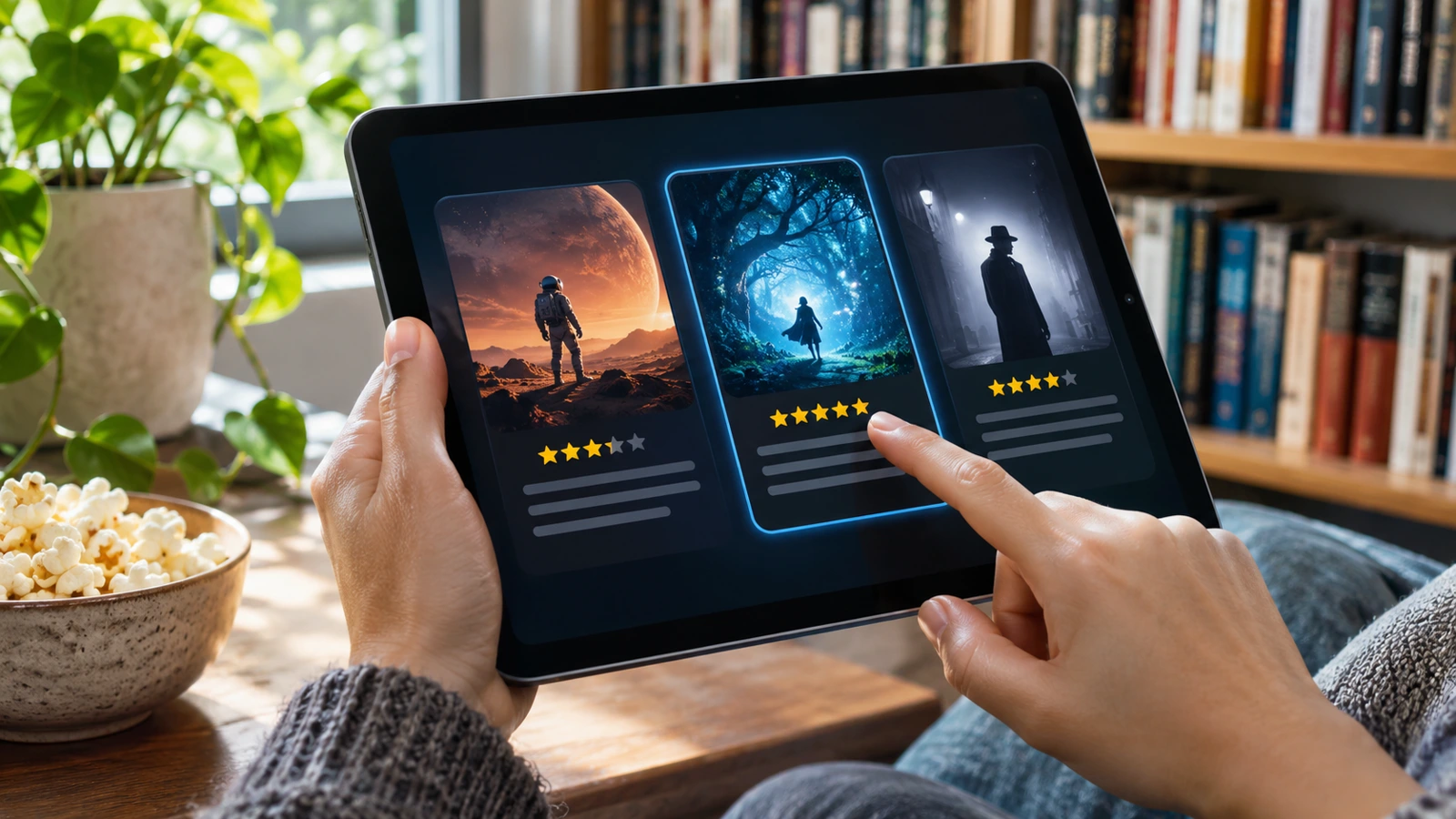
A useful discovery tool reduces the time spent deciding what to watch. It can organise titles by genre, release period or popularity and give enough context to build a shortlist. That is valuable even when the tool does not play the film itself. The key is whether its information helps you make a better choice.
Genre browsing works best when combined with a second preference. For example, someone seeking a short comedy has a more specific need than someone browsing every comedy ever made. Runtime, language and age suitability can narrow a list further. These are selection criteria to check where available, rather than a promise that every BrocoFlix product offers every filter.
Popularity lists serve another purpose: they show what is attracting attention within the relevant dataset. Popularity is not the same as quality or personal suitability. A highly visible action film might be a poor choice for a quiet family evening. Use a trending label as a discovery clue, then read the title’s own details.

Read a Movie Page in the Right Order
Begin with the title and release year, particularly when remakes or similarly named films exist. Next check the synopsis for the broad premise without relying on a promotional tagline. A short summary should help establish whether the story interests you. It does not verify where the film is available to watch in your country.
Then consider runtime, spoken language and content classification through the appropriate provider or classification source. For a shared viewing session, these practical details can be more useful than a numerical rating. If someone needs subtitles, captions or audio description, check the actual playback service’s accessibility information rather than assuming the discovery page supplies those options.
Ratings require context too. Different systems use different scales, audiences and eligibility rules. A score with very few votes should not automatically be treated as equivalent to a widely reviewed release. This guide does not certify a rating methodology for BrocoFlix; it explains why a number becomes more meaningful when its source and scale are clear.
Trailers and Favourites Have Different Jobs
A trailer is promotional material designed to introduce a title. It can help communicate tone, genre and production style, but it is not the full film. The BrocoFlix app description makes that distinction particularly relevant. A trailer button should not be interpreted as a guarantee that a complete feature is available through the same product.
A favourites list is a planning tool. It helps retain titles you may want to investigate later, especially when browsing produces more possibilities than you can watch in one evening. However, saving a title does not reserve access or guarantee that it will remain available on any separate provider. Availability and personal bookmarking are independent features.
Before relying on a new app’s favourites function, check whether it saves locally, requires an account or supports transfer to another device. Those details should come from its actual documentation or your own observed use. This article does not claim that the listing establishes cloud synchronisation, offline playback or cross-device continuity.
Turning Discovery Into a Viewing Decision
Once you have a shortlist, check a regional availability service and then the destination provider. JustWatch UK offers title searches across UK services. Treat a search result as a starting point and verify the current listing with the provider before paying, because catalogue windows, versions and packages can change.
For a no-subscription option, Tubi’s UK site advertises free movies and television. That does not mean every title discovered elsewhere is in Tubi’s catalogue. Search the exact film and review its current local availability. The appropriate service depends on the programme, territory and viewing preferences rather than one universal recommendation.
OrbitNews’s Yuppow article covers another case where website and discovery-app claims can become mixed together. The WCOFun guide applies related checks to animation, where season, language and age suitability can be just as important as the headline title.
Privacy Checks Without Guessing About Safety
App-store listings contain useful information about developers and declared data practices, but those declarations are not a guarantee of every future behaviour. Read the current privacy information and decide whether the requested permissions fit the product’s stated purpose. A movie browser and a full streaming service may have different technical needs.
The reviewed BrocoFlix listing identifies the product as containing ads. Advertising alone does not establish that an app is unsafe, and a polished interface does not prove that it is safe. A fair assessment should consider the specific product, available evidence and current behaviour rather than making a sweeping judgement based solely on a shared name.
On unfamiliar websites, be cautious with requests for downloads or browser permissions. Google’s pop-up and notification help explains how those controls differ. If an entertainment page opens unrelated windows, close them and review permissions instead of assuming every prompt is part of the viewing process.
A Practical Example of a Better Movie Search
Suppose you want a film for a ninety-minute slot and two viewers prefer different genres. Start by agreeing on the time limit and language, then use a discovery catalogue to find a few plausible titles. Watch a trailer only if it helps resolve the choice. This keeps browsing purposeful rather than allowing a popularity list to make the decision for you.
After choosing, verify the exact version on a recognised local provider. Check whether it requires a subscription, rental or purchase and whether accessibility needs are met. Only then settle in to watch. The example is a general workflow, not a claim that BrocoFlix controls the final provider or offers any particular film free of charge.
BrocoFlix Frequently Asked Questions
Does the BrocoFlix app stream full movies?
The Google Play listing reviewed for this article explicitly describes the app as informational and says it does not host or stream films or television. It advertises discovery and trailer functions. Read the exact app description before installing, because similarly named products or websites may present different claims.
Is brocoflix.watch the same product as the app?
Common naming does not establish that relationship. The website’s about page and the app’s developer listing need to be assessed separately. This guide does not assert shared ownership or a technical connection between them. The exact address, app identifier and operator information are more useful than the brand name alone.
Does a trailer mean the whole film is available?
No. Trailers are promotional clips and can be offered independently of full playback rights. A discovery app may display an official trailer while directing viewers elsewhere for the film. Check the local viewing provider for the complete title, price, version and availability before making an account or payment decision.
Are favourites available offline or across devices?
A favourites feature does not automatically establish offline video access or cross-device synchronisation. Those functions depend on the product’s actual design and documentation. The public description reviewed here should not be stretched into a claim about downloaded films, cloud backup or continuity between every phone, television and browser.
What is the best way to use a discovery tool?
Use it to narrow your choices, then verify the chosen title with an identified provider in your country. Match the release year, language and accessibility requirements as well as the name. That approach recognises the value of movie discovery while keeping the separate questions of playback, pricing and rights clear.
