


WebCric is a name associated with online cricket viewing and match information, but similarly named websites and apps do not necessarily offer the same service. Some pages advertise live video, while an app listing may provide scores and commentary only. Before planning your viewing, establish the exact product, fixture and country rather than assuming the name guarantees a live broadcast.
Cricket makes that distinction especially important. A five-day Test, a one-day international and a franchise T20 game can have different schedules and broadcast arrangements. This guide explains what public WebCric-branded pages claim, how to check the coverage you actually need and what to do when a player, score feed or device behaves unexpectedly.

WebCric: What the Public Pages Tell Us
A WebCric-branded website advertises browser-based cricket viewing and describes its player as a third-party embed. Those are the page’s own statements, not an independent test or a confirmation of broadcast authorisation. Its claims should not be extended automatically to every address containing WebCric or to every match listed in search results.
A separate Google Play listing for WebCricket describes scores, commentary and informational content, and explicitly says it does not broadcast live matches. This is an important example of why names and cricket graphics are insufficient evidence of full video playback. An informational app can be useful without being a television replacement.
There is no basis here to certify common ownership between those products. Nor does a third-party embedded player demonstrate who holds the underlying rights. The practical question is narrower: what does this exact product say it provides, and can that claim be checked against the competition’s published viewing arrangements?
Build a Fixture Card Before Searching for a Stream
Record the teams, competition, format and date first. A women’s fixture, an under-19 match and a senior men’s international may involve overlapping national names while remaining completely different events. Include the venue or host country if it helps identify the match. This small preparation prevents a search result for one fixture being mistaken for another.
Next, translate the advertised start time into your local time. Cricket schedules are often written for the host country or the publisher’s audience. Also distinguish the start of the broadcast from the scheduled start of play. A listing can begin with pre-match coverage, while rain or other conditions can delay the first ball.
For a Test, note the day of play and the expected sessions. For limited-overs cricket, check whether the listing refers to the full match, highlights or a replay. A title containing live may remain visible after the match ends. The article’s publication date and the actual fixture date should therefore be checked separately.
Use the Competition’s Broadcaster List, Then the Local Schedule
The ICC’s 2026 Men’s T20 World Cup broadcaster page provides a clear example of territory-based rights. It names different services for different markets, including Sky Sports for the UK and Northern Ireland and Willow TV for the USA and Canada. That information concerns that tournament, not every cricket match throughout 2026.
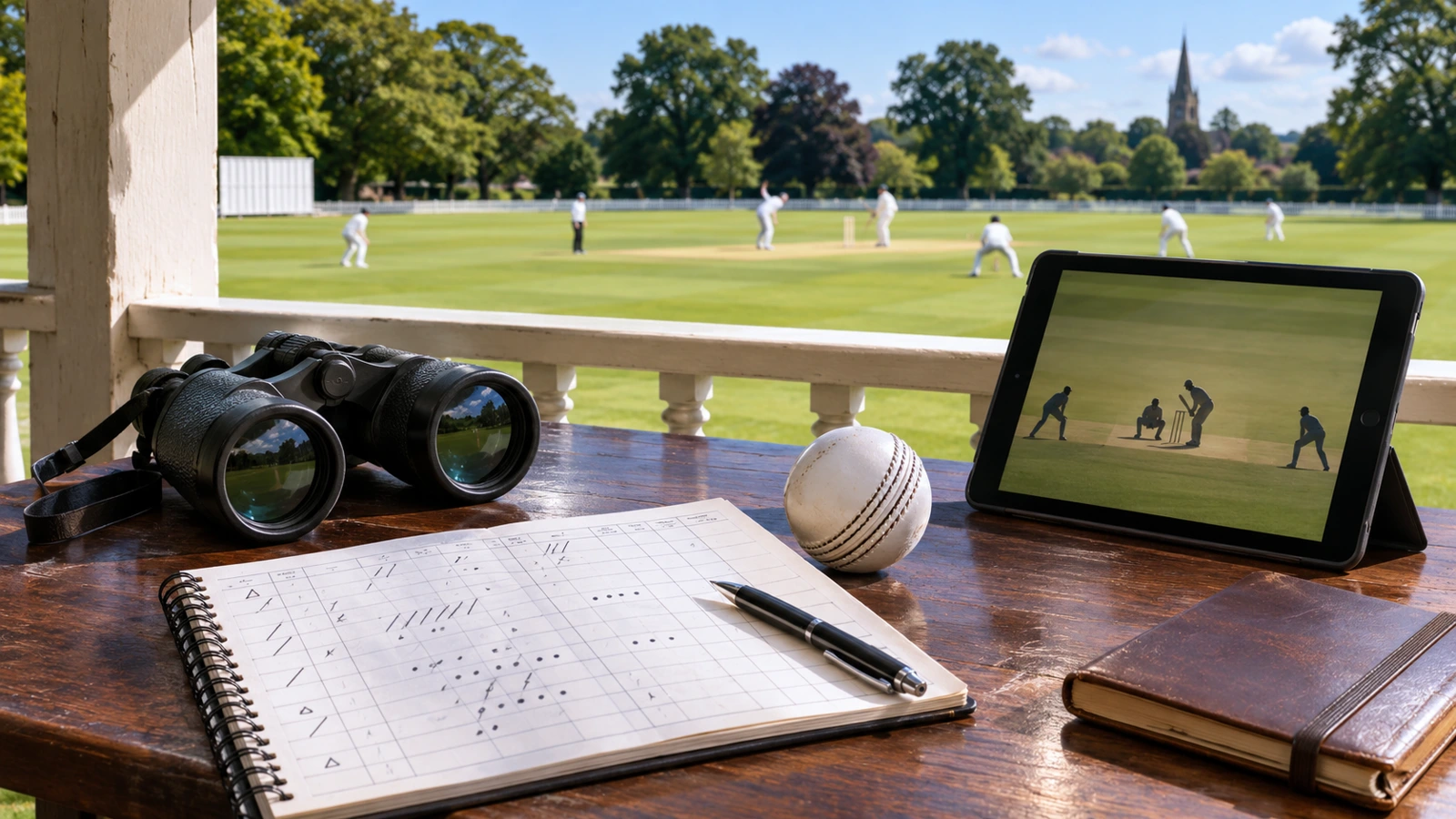
For a bilateral series or domestic league, start with the relevant board or competition instead. Then cross-check the named broadcaster’s current programme schedule. An official tournament rights page establishes the distribution context, while the broadcaster’s event listing helps identify the actual channel, app, coverage start and any package requirements for your location.
ICC.tv can also be relevant, but its official availability information should be checked for the exact event and territory. Do not assume the platform carries every match globally. Rights arrangements can make an event available in some countries while another provider serves viewers elsewhere.
OrbitNews’s SportsSurge guide explains the wider distinction between link directories and broadcasters. Cricket fans benefit from the same approach: identify the competition’s authorised coverage before evaluating picture quality or convenience. A working video alone cannot establish whether the person distributing it has permission.
Scores, Commentary and Video Serve Different Needs
A score feed can be the right choice when you are commuting, at work or conserving data. It communicates the match situation without requiring continuous video. Ball-by-ball text can add detail about dismissals and momentum, while radio commentary offers a different kind of live experience. These are alternatives in format, rather than inferior copies of television.
Live video is useful when you want to see bowling variations, field placements or replays. However, it may arrive later than a score notification because different systems introduce different delays. That delay is not necessarily a fault with your device. If avoiding spoilers matters, consider turning off unrelated score alerts while watching an authorised broadcast.
Highlights are edited coverage and may appear under a separate release schedule. A short clip cannot be assumed to include every wicket, review or decisive moment. Before subscribing or registering, check whether the product provides the full match, selected clips, audio or statistics. That clarity prevents disappointment after you have already entered account or payment information.
When a Cricket Player Is Blank or Buffering
First confirm that the match is in progress. A blank player outside the advertised coverage window may have a different explanation from a failure during play. Check a reputable score source for a delay or abandonment, and consult the broadcaster’s own service notices if you are using its authorised app.
Then test the ordinary connection without changing security settings. If other familiar sites also fail, the issue may concern the network. If only one authorised service fails, its support documentation is a better starting point than an unrelated repair tool. Restarting an app and checking supported versions can be reasonable; installing unknown packages is a different decision.
Unexpected requests for a player, browser update or extension deserve particular care. Google’s unwanted software guidance is a recognised starting point for suspicious browser behaviour. A streaming page should not be trusted merely because it presents a convincing technical message. Use the device or browser publisher’s own update route.

Watching on a Television Without Guesswork
Confirm whether the actual provider supports your television model or external streaming device. A browser-based page working on a laptop does not prove compatibility with a smart-TV browser. Video formats, remote-control navigation and sign-in methods can differ. Test the provider’s supported app before the toss rather than discovering a limitation during the first over.
If casting is supported, check that both devices are connected correctly and that the service permits that playback method. A normal home setup should not require downloading an unidentified package from a numeric code simply because an unfamiliar page recommends it. Follow documented installation instructions from a recognised provider and app store.
UK viewers should also distinguish a subscription from the television licensing requirement. The government’s TV Licence guidance covers live television and BBC iPlayer. Paying for a sports package does not answer every licensing question. Consult the official guidance for your situation and the type of coverage you plan to watch.
A More Useful Cricket Viewing Plan
For tonight’s game, the goal is straightforward: know the fixture, find its authorised local coverage and test the chosen device. If live video is unavailable, select a trustworthy score feed, licensed audio or official highlights instead. That plan is more dependable than moving between similarly named sites without knowing what each one actually supplies.
The same distinction between entertainment information and playback appears in OrbitNews’s BrocoFlix guide. A useful app may help you discover or follow content without hosting the full programme. Judging it against its stated purpose produces a fairer review and a clearer choice for the viewer.
Common Questions From WebCric Readers
Does every WebCric app show live cricket?
No. The WebCricket Google Play listing reviewed here describes scores and informational coverage rather than live match broadcasting. Other similarly named pages make different claims. Check the exact app’s developer description and permissions instead of assuming that its name or cricket artwork means it provides full video.
Is a channel listing proof of broadcast rights?
A channel or fixture listing is not the same as evidence of permission to distribute a match. Check the competition’s broadcaster information for your country and verify the event on that provider’s schedule. A working embedded player cannot independently establish the licensing arrangements behind the pictures.
Why is the score ahead of the video?
Separate services can process and deliver updates at different speeds. Video encoding and distribution can introduce delay, while a score alert may arrive sooner. This does not automatically indicate a device fault. If spoilers affect your enjoyment, consider pausing notifications from other apps during the broadcast.
Can ICC.tv replace every cricket subscription?
No. Its availability depends on the competition and territory. Some events may be available through other rights holders in your country. Check ICC.tv’s own event information and the relevant tournament announcement rather than assuming a single official platform carries all international, domestic and franchise cricket everywhere.
What should I check before buying a match pass?
Confirm the fixture, coverage type, country, pass duration and supported devices. A short pass may not cover every day of a Test or an entire series. Read the current provider terms and cancellation information, then test access early enough to resolve any account or device problem before play starts.
