


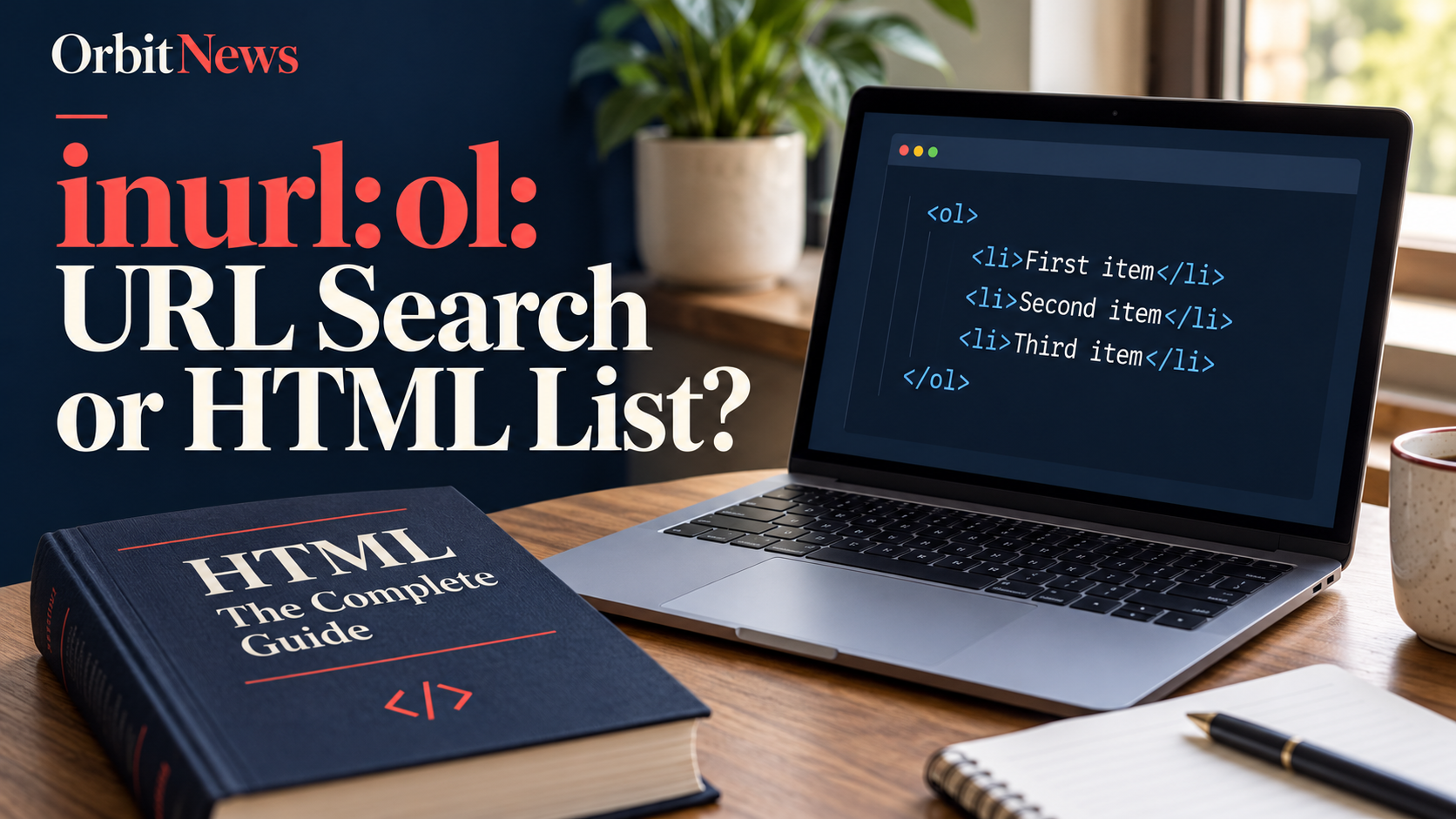
inurl:ol is intended to find ol in web addresses. It is not an instruction to search a page’s HTML source for an ordered list, even though ol is also the name of HTML’s ordered-list element.
That distinction is the key to using this keyword sensibly. A developer learning numbered lists should search HTML documentation. Someone investigating an organisation’s initials should identify the organisation. A two-letter URL condition cannot reliably do both jobs at once.

Two letters can point to different questions
Short strings provide little context. Ol may be an abbreviation, a name, or an element of a publisher’s URL convention. The query alone does not establish which interpretation is intended. Add the full subject before drawing conclusions from the result list.
For example, a language or organisation query should include its complete name. A web-development query should include HTML and the task, such as numbering, nesting, or starting a list from a particular value. The extra words define the problem much more clearly than the letters alone.
Do not assume that search engines perform literal substring matching throughout every address. URL interpretation and retrieval can vary. Inspect the actual result rather than claiming that every visible occurrence of the letters was necessarily matched in one specific way.
What inurl:ol is intended to filter

The commonly used inurl: syntax concerns words in an address. It does not examine the page for a particular HTML element on your behalf. A page can contain many ordered lists without using ol in its URL, and a URL match can lead to a page with none.
Google’s Advanced Search interface documents a URL-terms option. The general help does not comprehensively guarantee every older operator combination. Use the interface as a fallback and avoid describing a public query as a complete technical scan of a website.
If you own a site and need to audit its markup, use an appropriate inspection method for the actual pages. That is a different task from discovering explanatory documents through search. Keep the method and the conclusion aligned.
The HTML ol element, explained simply
MDN’s HTML reference describes the ol element as an ordered list. The order of its items is meaningful, and browsers commonly display numbered markers. Individual items are marked with li elements inside the list.
An instruction sequence is a straightforward example: prepare, submit, and confirm. Changing the sequence could change what the reader should do. A collection of unrelated items, where sequence carries no meaning, may be better represented by an unordered list instead.
The important distinction is meaning rather than appearance alone. A list that happens to look numbered is not automatically the best way to express every group of items. Choose the structure according to the relationship between the items, then style its presentation as appropriate.
A small example without a real-world claim

Imagine a three-step guide with the items define the question, open the source, and check the evidence. In HTML, those three li items can sit inside one ol element. This is an invented teaching example, not a quotation from a product’s workflow.
MDN also documents attributes such as start and reversed. These affect the starting value or numbering direction. Consult the reference for the exact syntax rather than assuming that a URL keyword establishes how those attributes work.
For nested lists, pay attention to the parent item. MDN explains that the nested list belongs inside an li element. A search query can help locate the explanation, but the documentation and your actual markup are what determine whether the structure is correct.
Better queries for the task at hand
| Illustrative query | Purpose |
|---|---|
inurl:ol HTML | Explore addresses that use ol alongside an HTML topic. |
site:developer.mozilla.org HTML ordered list | Find the primary MDN reference for ordered lists. |
HTML ol start attribute | Research a specific numbering task. |
"organisation full name" official | Resolve an abbreviation without assuming it refers to HTML. |
These examples separate discovery, learning, and identity verification. The most technical-looking query is not necessarily the most effective one. A precise ordinary-language task often reaches the relevant reference more directly than a short URL condition.
Check examples before using them in a project
Read whether a tutorial describes HTML structure, CSS styling, or JavaScript behaviour. These layers can interact, but they do not solve identical problems. A CSS rule that changes markers is different from choosing the correct list semantics.
Check whether the example fits your page and content. A numbered sequence can be useful for instructions, while forcing numbers onto non-sequential material can imply a ranking that the author never intended. Preserve the meaning of the content instead of copying a layout mechanically.
When a code example fails, identify the actual markup and environment before making changes. Do not assume that the issue is the ol element merely because that was the term used to find the article. Read any relevant error and compare the specific example with the official reference.
Keep the search result separate from the evidence
A matching URL does not prove that a website follows good HTML practice. It also cannot establish that a particular organisation owns the initials OL. Those are separate claims requiring separate evidence.
For a tutorial, cite the reference that directly explains the element or attribute. For an organisation, verify its own published identity and contact information. This approach keeps a useful search expression from being mistaken for a technical test or an identity check.
For related reading, see interpreting technical-looking search expressions and finding the right technical context.
Frequently asked questions
Does inurl:ol find every numbered list online?
No. It targets URL wording, not the presence of an ol element in page markup. Many relevant pages use different addresses.
What does ol mean in HTML?
It represents an ordered list whose item sequence matters. MDN provides the element’s definition, attributes, and usage guidance.
Is ol the same as li?
No. The ol element contains the ordered list, while li marks an individual list item within it.
What should I search for a numbering problem?
Use HTML ordered list plus the specific task, such as start or reversed, and check the relevant documentation.
Sources
MDN: the HTML ordered-list element; MDN: the HTML list-item element; Google Advanced Search filters.
