


If you are asking, “Why Can’t I Run My Genboostermark Code,” the problem may involve an incorrect Python environment, missing dependencies, configuration errors, or code that does not match the software you are trying to execute. However, there is another important consideration: Genboostermark is not clearly established as a publicly documented Python framework, making it essential to verify the source of your code before attempting repairs.
As of October 2026, the Genboostermark website primarily presents itself as an information resource covering AI-powered marketing, automation, and technology. Although several online articles discuss Genboostermark programming, publicly verifiable installation requirements, official Python package documentation, and standardized software specifications remain limited.
This distinction matters because troubleshooting an identifiable Python project is very different from following instructions for software whose technical identity has not been confirmed.

What Is Genboostermark Code?
Genboostermark is a name associated with online discussions about marketing automation, software optimization, Python programming, and technology applications.
The website Genboostermark describes its primary purpose as providing practical insights into artificial intelligence, marketing strategies, automation, and emerging technologies.
However, descriptions elsewhere are inconsistent. Some articles present Genboostermark as a Python-based benchmarking framework, while others describe an optimization utility or business automation platform.
There is insufficient independent technical documentation to establish that these descriptions refer to one standardized software product.
A direct search for the exact package name genboostermark on the Python Package Index (PyPI) did not establish a publicly available package under that name at the time of review. That does not rule out private software, unpublished source code, or projects distributed through other channels.
For developers, the practical question is therefore not simply whether Genboostermark code can run. It is whether the files they possess belong to a legitimate, identifiable project with documented requirements.
Why Can’t I Run My Genboostermark Code? Common Technical Causes
If you have actual Python files associated with Genboostermark, several familiar programming problems could prevent them from executing.
These are general Python troubleshooting scenarios, not confirmed defects in a specific Genboostermark release.
1. Your Python Version Is Incompatible
Python programs sometimes depend on language features or libraries supported only by particular interpreter versions.
A script developed for one Python release may produce syntax errors or dependency conflicts when executed using another.
Check your installed version using:
python --versionOn systems where Python 3 is accessed through a separate command, use:
python3 --versionNext, check the project’s documentation or dependency configuration for supported versions.
Some Genboostermark articles recommend Python 3.8 specifically. However, no independently verified Genboostermark compatibility specification establishes that requirement universally.
Avoid installing an outdated Python version solely because an unverified tutorial recommends it.
2. Required Python Packages Are Missing
Python projects commonly import external libraries to perform specialized tasks.
When a required dependency is unavailable, the interpreter may display an error such as:
ModuleNotFoundError: No module named 'example'The missing module name is identified in the error message.
If your trusted project includes a requirements.txt file, its dependencies can generally be installed using:
python -m pip install -r requirements.txtBefore installing anything, inspect the requirements file and confirm that its packages are appropriate for the project.
The official Python Packaging User Guide explains how package installation works and why using the correct interpreter matters.
Do not assume that installing a package named after Genboostermark will solve the problem. The exact project dependency must first be verified.
3. Your Virtual Environment Is Incorrect
A virtual environment allows Python projects to maintain separate collections of installed packages.
This isolation is useful, but it can create confusion when a developer installs dependencies in one environment and runs the script using another.
Create a project environment with:
python -m venv .venvOn Windows Command Prompt, activate it using:
.venv\Scripts\activate.batOn macOS or Linux:
source .venv/bin/activateYou can then install the project’s verified dependencies into that environment.
If the script still reports missing modules, check which Python executable is actually running:
python -c "import sys; print(sys.executable)"The official Python virtual environment documentation explains environment isolation and interpreter selection in detail.
4. Your Code Contains Syntax or Indentation Errors
Python requires correctly structured statements and consistent indentation.
Common mistakes include missing colons, unclosed brackets, incorrect quotation marks, and improperly indented blocks.
For example:
if True print("Ready")This produces a syntax error because the conditional statement is missing a colon.
The corrected version is:
if True: print("Ready")To check whether a Python file can be compiled without executing its main program, use:
python -m py_compile main.pyReplace main.py with your actual filename.
Successful compilation confirms that the file passes this syntax check. It does not establish that its dependencies, application logic, or runtime configuration are correct.
Also Read: Mygamerank Gaming Guides: Features, Gameplay Tips, and Complete Guide
How to Identify the Exact Error
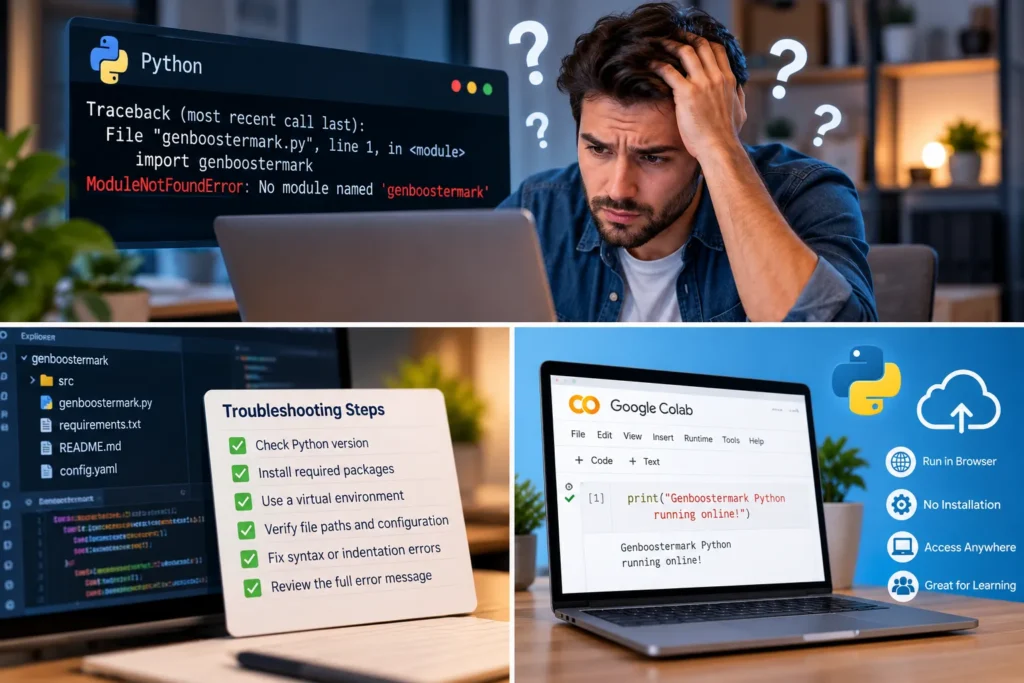
Instead of reinstalling software repeatedly, examine the error message produced during execution.
Python tracebacks identify the exception type and frequently show the file and line where the failure occurred.
| Error message | Possible explanation | Recommended action |
|---|---|---|
ModuleNotFoundError | A required module cannot be imported | Verify the package and active environment |
SyntaxError | The code contains invalid Python syntax | Inspect the indicated line |
IndentationError | Code indentation is inconsistent | Correct spacing and block structure |
FileNotFoundError | A required file cannot be located | Verify filenames and paths |
PermissionError | The process lacks necessary access | Check filesystem permissions |
ImportError | An imported component is unavailable | Compare dependency versions and imports |
TypeError | An operation receives an incompatible argument | Review the function call and expected data types |
These messages identify useful starting points, but they do not always reveal the entire underlying problem.
For instance, FileNotFoundError might indicate an incorrect working directory rather than a genuinely missing file.
Similarly, an import failure can arise from a naming conflict between a local Python file and an installed library.
Check Configuration Files and Runtime Requirements
Some Python projects depend on external configuration files, environment variables, datasets, or credentials.
A program might execute correctly at the syntax level but fail while attempting to load required information.
Check whether your project contains files such as:
requirements.txtfor package dependencies.pyproject.tomlfor Python project configuration..env.examplefor documented environment variable names..jsonor.yamlfiles for application settings.
These are common Python conventions, not confirmed requirements for Genboostermark Software.
If your script needs an API key, identify the legitimate service issuing it and confirm the expected variable name from its documentation.
Never copy unknown credentials into a program simply because an online article recommends doing so.
For suspected dependency conflicts, this command can help:
python -m pip checkIt checks installed packages for dependency inconsistencies that pip can detect.
Hardware problems should be investigated only when the project actually uses specialized hardware. There is no independently established requirement that all Genboostermark programs need NVIDIA GPUs, CUDA, or machine-learning model checkpoints.
How to Run Genboostermark Python in Online Environments
People searching for “How to Run Genboostermark Python in Online” generally want to execute Python code without configuring a complete local development environment.
Online notebook services can help with ordinary Python scripts, provided the code is trusted and its dependencies are compatible.
One established option is Google Colab, which provides browser-based Python notebook execution.
Running a Verified Python Script in Google Colab
First, create a notebook and confirm that Python itself executes correctly.
Enter:
print("Python environment working")If the message appears, the notebook can execute a basic Python statement.
Next, inspect the project files to determine which libraries are needed. Install only dependencies associated with a trustworthy, documented project.
For notebook environments, package installation can be performed using a command such as:
%pip install package_nameReplace package_name with the actual verified dependency.
You can then upload appropriate project files and execute the code according to its documentation.
However, successful execution of a basic test does not mean a particular Genboostermark implementation will work.
Online environments may lack required system software, have restricted filesystem access, or impose memory and execution limits.
Google also documents restrictions on certain activities in its Colab FAQ.
Important: Do not upload proprietary source code, credentials, confidential datasets, or untrusted executable files to an online service without understanding the security implications.
Genboostermark and Genbooster Are Not the Same Verified Product
A potential source of confusion is the similarity between Genboostermark and an independently documented Python project called Genbooster.
The Genbooster package on PyPI describes a machine-learning implementation involving gradient boosting, bagging, Rust, and Python.
Its package documentation provides an installation command, project repository information, and programming examples.
The documented installation command is:
pip install genboosterHowever, there is no verified evidence that Genbooster is an official version, successor, or alternative name for Genboostermark.
Installing Genbooster will not necessarily resolve errors in code obtained under the Genboostermark name.
Check the imports used in your existing script and compare them with the actual package documentation before concluding that a spelling mistake caused the problem.

Why Genboostermark Software Is So Popular: What the Evidence Shows
The phrase “Why Genboostermark Software Is So Popular” appears in online articles discussing automation, artificial intelligence, and software performance.
Interest in these topics is understandable. Developers and businesses increasingly seek tools that automate repetitive operations and simplify technical workflows.
Nevertheless, online mentions do not independently establish that a particular product has widespread adoption.
For Genboostermark, publicly verifiable information about software downloads, active installations, licensing, customer numbers, and technical support remains insufficient to substantiate broad popularity claims.
The website’s identifiable emphasis is its informational content rather than a fully documented software distribution.
Readers should therefore distinguish interest in a keyword from demonstrated usage of a software product.
Why Python Genboostermark Is Used in Cyber Security: Separating Claims From Facts
Another related search phrase is “Why Python Genboostermark Is Used in Cyber Security.”
Python itself has established applications in cybersecurity, including log analysis, security automation, network programming, and authorized vulnerability assessment.
Its extensive standard library and third-party ecosystem make it useful for processing security data and developing defensive tools.
However, Python’s established cybersecurity applications do not prove that Genboostermark is a recognized cybersecurity framework.
No independently verified technical documentation establishes a specific Genboostermark security toolset, vulnerability-scanning capability, or professional cybersecurity certification.
If a project bearing this name claims cybersecurity functionality, examine its source code, documentation, maintainer information, and security practices before granting it access to sensitive systems.
Unknown scripts should never receive administrative privileges or unrestricted access to confidential data merely because they are described as security software.
What If Your Genboostermark Code Is an Activation Code?
Not every reference to a “code” necessarily means Python source code.
If you received a promotional, registration, or activation code, troubleshooting requires a different approach.
First, confirm which website or service issued the code. Check whether its original instructions establish an expiry date, account requirement, or permitted redemption method.
If an activation fails, contact the verified issuer through its legitimate support channel.
No reliable universal Genboostermark redemption format, expiry policy, or account eligibility rules have been established. Consequently, instructions claiming that all such codes require particular characters, account ages, or regional settings should not be accepted without confirmation.
Frequently Asked Questions
Is Genboostermark an official Python library?
An official, publicly documented Python package under the exact name genboostermark could not be verified through PyPI during this review. A private project may still use that name, but its source and requirements must be established separately.
Can I fix Genboostermark code without reinstalling Python?
Possibly. If you have legitimate Python project files, checking the traceback, environment, dependencies, and file paths may resolve the problem without reinstalling Python.
Why does my code run on one computer but fail on another?
Different Python versions, installed libraries, operating systems, filesystem paths, and environment variables can produce different results. Compare both environments before modifying the program.
Should I download Genboostermark from an unfamiliar website?
Avoid downloading executable files or installation scripts from sources whose maintainers and authenticity cannot be verified. Prefer documented repositories and established package registries, and inspect dependencies before installation.
Can I run Genboostermark Python code in a browser?
A legitimate Python script may run in an online development environment such as Google Colab if its requirements are supported. However, no universal browser-based Genboostermark execution procedure has been independently verified.
Final Assessment
The most useful answer to “Why Can’t I Run My Genboostermark Code” begins with identifying what the code actually belongs to.
If you possess a legitimate Python project, use its documentation, traceback messages, dependencies, and environment settings to locate the failure. Most ordinary Python execution errors can be investigated systematically.
But if you found the Genboostermark name in an online article without an identifiable repository, verified package, or documented software release, establishing the project’s authenticity is more important than experimenting with installation commands.
That approach protects your system from unnecessary risks while ensuring that any technical fix addresses a real, identifiable problem rather than an assumption about undocumented software.
Also Read: Instructions Manual Hssgamestick: Complete Setup, Settings and Troubleshooting Guide
